What Homeowners Should Know Before Installing a Smart Lock
Installing a smart lock can make everyday access easier, but the best results depend less on flashy app features than on a properly fitting door, a smoothly operating deadbolt, dependable connectivity, and a sensible backup plan. Before buying one, confirm that the lock suits your existing door preparation, household routines, smart-home platform, and willingness to manage batteries and software updates.
A smart lock should improve how you control access without making the door harder to use. Treat it first as door hardware and then as a connected device: the physical lock, door alignment, strike plate, account security, and guest-access rules all matter.
Start With the Door, Not the App
Many replacement smart deadbolts are designed for common residential door preparations, but common does not mean universal. Measure the door thickness, the backset from the door edge to the center of the bore hole, and the diameter and position of the existing holes. Compare those measurements with the exact installation template or manual for the lock under consideration.
Also examine the space around the interior thumb turn. A wide decorative trim, nearby window molding, storm-door hardware, or an unusually narrow stile can interfere with the interior housing. On the exterior, make sure the keypad or escutcheon will sit flat rather than overlap raised panels or ornate trim.
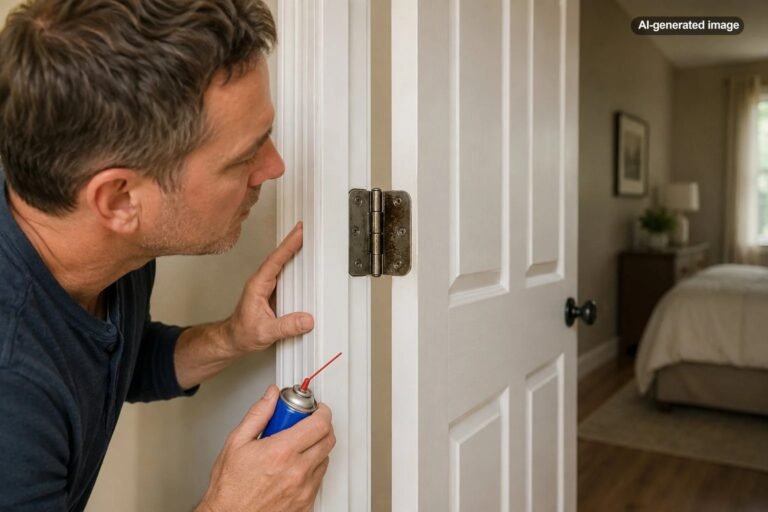
The existing deadbolt should extend and retract easily while the door is both open and closed. If it works smoothly only when you pull, push, or lift the door, the problem is probably alignment rather than the old lock. A motorized lock may struggle with that resistance, drain batteries more quickly, or report that it is locked when the bolt has not fully entered the strike.
Decide How You Actually Want to Unlock the Door
Smart locks use several access methods, including keypads, phone apps, fingerprints, proximity features, connected-home commands, and traditional keys. More methods are not automatically better. Focus on the ways household members will reliably use every day.
| Access method | Useful for | Tradeoff to consider |
|---|---|---|
| Keypad code | Children, guests, service visits, and phone-free entry | Codes need thoughtful assignment and removal |
| Phone app | Remote status, notifications, and access management | Depends on account access, phone availability, and connectivity |
| Fingerprint | Fast entry without remembering a code | Performance may vary with wet, dirty, injured, or worn fingertips |
| Physical key | Familiar emergency or low-battery backup | The key cylinder still needs normal key-control precautions |
| Temporary code | Contractors, cleaners, visitors, or short-term guests | Owners must set schedules correctly and delete access when it ends |
A keypad is often the simplest broadly usable option because it does not require everyone to carry a compatible phone. Households with older adults, children, caregivers, frequent visitors, or short-term rental guests should consider whether the interface is readable, reachable, and easy to explain.
Think through departures as well as arrivals. Auto-lock can be useful for anyone who routinely wonders whether the door was secured, but a very short delay can be irritating while bringing in groceries, supervising children, or moving repeatedly between the house and yard. Look for adjustable timing rather than assuming one setting will suit every household.
Check Connectivity and Smart-Home Compatibility
Some locks connect directly to Wi-Fi, while others use Bluetooth, a separate bridge, or a compatible smart-home hub. Direct Wi-Fi can simplify remote access, but it may affect battery use and still requires adequate signal at the door. Bluetooth-only operation can cover nearby control without necessarily providing remote status when you are away.
Confirm the precise network requirements before buying. For example, the Schlage Encode Smart WiFi Deadbolt documentation specifies a 2.4 GHz Wi-Fi network. That does not mean every smart lock has the same requirement. Product families with similar names may also support different platforms or features, so check the exact model rather than relying on a retailer category or logo shown for another version.
If voice control, Apple Home, Google Home, Alexa, Matter, or another ecosystem matters to you, verify both compatibility and the functions actually available through that integration. A platform may support locking or status checks but restrict voice unlocking, guest-code management, or detailed activity history.
Plan for Batteries and Backup Entry
Most retrofit smart locks are battery-powered, so battery replacement becomes a routine home-maintenance task. Review the manufacturer’s battery type, low-battery warnings, recommended replacement procedure, and any emergency power or mechanical-key provision. Avoid assuming that a generic battery-life estimate will match your door, climate, signal strength, or usage pattern.
Keep the app’s notifications enabled if they include low-battery alerts, but do not rely on phone notifications alone. Household members should recognize the lock’s local warning signals, and spare manufacturer-recommended batteries should be stored somewhere accessible from inside the home rather than locked behind the door they serve.
A physical key backup is useful only when someone can obtain the key. Decide who will carry one and whether a trusted nearby person should have a securely managed spare. If the model has no key cylinder, understand its documented emergency-entry method before installation.
What to do before installation
- Measure the door and compare it with the exact model’s template.
- Operate the current deadbolt several times with the door open and closed.
- Test the wireless signal at the entry and confirm the required network band or hub.
- Review local, offline, low-battery, and lost-phone entry methods.
- Record the model information, backup-key location, account owner, and support instructions.
Treat the Lock Account Like a Security Account
A connected lock adds an online account to a physical entry point. Use a unique, strong password for the manufacturer’s account, enable multifactor authentication when available, and secure the email account used for password resets. Do not share one owner’s credentials among relatives, guests, contractors, or property staff when separate user access is available.
The Federal Trade Commission advises owners of internet-connected home devices to change default credentials, avoid reusing passwords, use two-factor authentication when offered, enable security features, secure the home router, and keep software updated. Those practices are particularly relevant when an app can manage door access.
Review the lock’s privacy settings and data practices as well. Activity history can be useful for confirming that a child arrived home or that a temporary code was used, but it also creates a record of household movement. Decide who should be able to view that information and remove former household members or service providers promptly.
Software support matters over the long term. Install legitimate firmware and app updates, pay attention to manufacturer notices, and reconsider continued connection if a device is no longer supported. Updates are one of the principal ways manufacturers address discovered vulnerabilities in smart-home products.
Use Access Codes Deliberately
Create separate codes for people or purposes rather than giving everyone the same permanent code. Individual codes make it easier to revoke one person’s access without disrupting the entire household and can make activity records more understandable.
Use time-limited or scheduled access for cleaners, pet sitters, contractors, and short-term guests when the lock supports it. Confirm the start and end times, including the correct time zone, and delete access when it is no longer needed. Avoid easy patterns, addresses, birthdays, and codes visible in public records or social posts.
Choose Features That Solve a Real Household Problem
For many homes, the most useful features are a dependable keypad, clear low-battery warnings, flexible guest codes, an adjustable auto-lock timer, and a practical backup method. Remote unlocking, detailed notifications, voice integration, and entry logs may be valuable, but they should not distract from fit, reliability, and ease of use.
Affiliate disclosure: CraneManor.com may earn a commission when you purchase through links on this page. This does not affect the price you pay. Learn more.
A product such as a Schlage Encode smart lock may suit a compatible entry where the homeowner wants a keypad, built-in Wi-Fi, temporary codes, remote status, and a physical backup key. Its official specifications should be checked against the actual door before purchase, including door thickness, backset, network requirements, interior clearance, and operating conditions.
Entry visibility is a separate decision from access control. A battery-powered video doorbell may help a household see visitors or deliveries, but it does not correct a poorly fitted door or strengthen an inadequate lock installation. Consider camera placement, charging, notifications, subscriptions, privacy, and local rules independently.
Install Carefully and Test Every Failure Mode
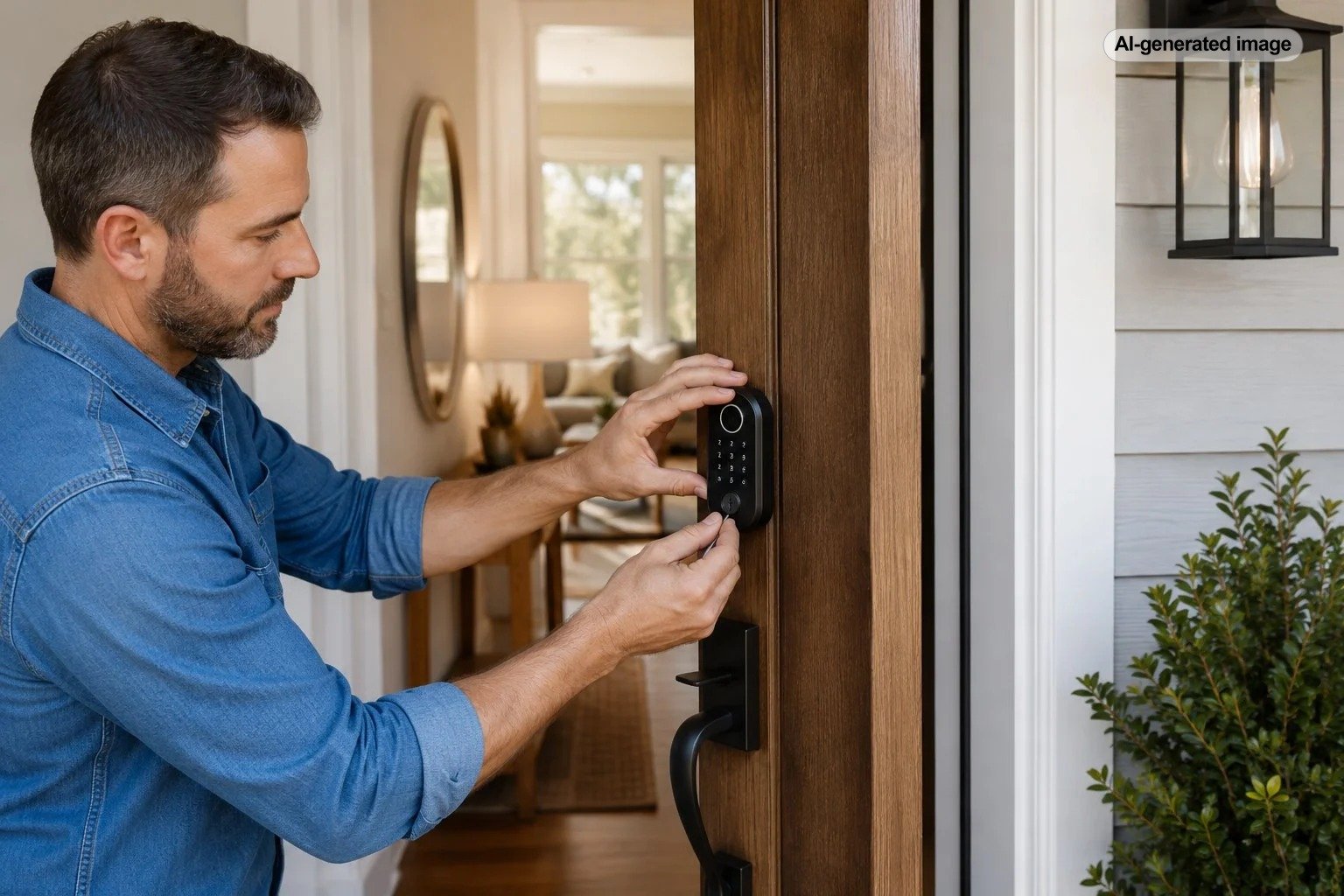
Follow the exact manual and keep all supplied components organized. Do not mix screws, mounting plates, adapters, or tailpieces from the previous lock unless the manufacturer explicitly permits it. Tighten hardware evenly without forcing the housing against the door.
After installation, test manual operation before pairing the app. Then test keypad entry, interior operation, auto-lock behavior, each authorized code, remote status, notifications, the physical key or documented emergency method, and low-connectivity behavior. Confirm that the bolt extends fully without rubbing the strike.
Everyone who regularly uses the door should know the basic procedure. A smart lock is not truly convenient when only one household member understands the app, knows the master code, or can replace the batteries.
Before you decide
- Does the exact model fit the door’s thickness, backset, bore holes, and trim clearances?
- Does the deadbolt move freely without pushing or pulling the door?
- Will every regular user have an accessible entry method?
- What works without Wi-Fi, power, a cloud connection, or your phone?
- Can you use unique passwords, multifactor authentication, and timely updates?
- How will you assign, review, and remove guest codes?
- Who will maintain batteries, app access, and backup keys?
Frequently Asked Questions
Can a smart lock be installed on any front door?
No. Many models fit standard deadbolt preparations, but door thickness, hole placement, backset, trim, handing, interior clearance, and door condition vary. Check the exact template and specifications for the model.
Will a smart lock work when the Wi-Fi is down?
It depends on the model. Local keypad, Bluetooth, thumb-turn, or key operation may continue even when remote app functions are unavailable. Verify the documented offline behavior before buying.
Is professional installation necessary?
A straightforward replacement on a compatible, well-aligned door may be manageable for an experienced homeowner following the manual. Unusual doors, new hole preparation, persistent alignment problems, damaged frames, fire-rated assemblies, multifamily requirements, or uncertain code issues may justify professional help.
Should every family member share the same code?
Separate codes are usually easier to manage. They let the account owner remove one user’s access and make activity history more useful without changing the code for everyone.
Does a smart lock make a home secure by itself?
No single device provides complete home security. Door and frame condition, strike installation, windows, lighting, account protection, household habits, and appropriate monitoring all contribute. A smart lock primarily adds access-management and convenience features to the door hardware.