Why Does My Smart Thermostat Show the Wrong Temperature?
A smart thermostat can appear to show the wrong temperature even when its sensor is working correctly. The most common explanations are its location, normal temperature differences between rooms, heat generated by the thermostat itself, an active remote sensor, or an unfair comparison with another thermometer. A small, steady difference is usually less concerning than a reading that changes abruptly or causes the heating and cooling system to behave erratically.
Start by determining whether the displayed number is truly inaccurate or simply represents a different part of the house. A thermostat measures the air immediately around its sensor, not the average temperature of every room.
First, make sure you are comparing the same place
A thermometer on a coffee table, kitchen counter, or bookshelf may not agree with a thermostat across the room. Warm air rises, exterior walls can be cooler than interior walls, and direct sunlight can heat one device without affecting the other. Air from a nearby supply register, ceiling fan, open window, lamp, television, or kitchen can also create a localized temperature pocket.
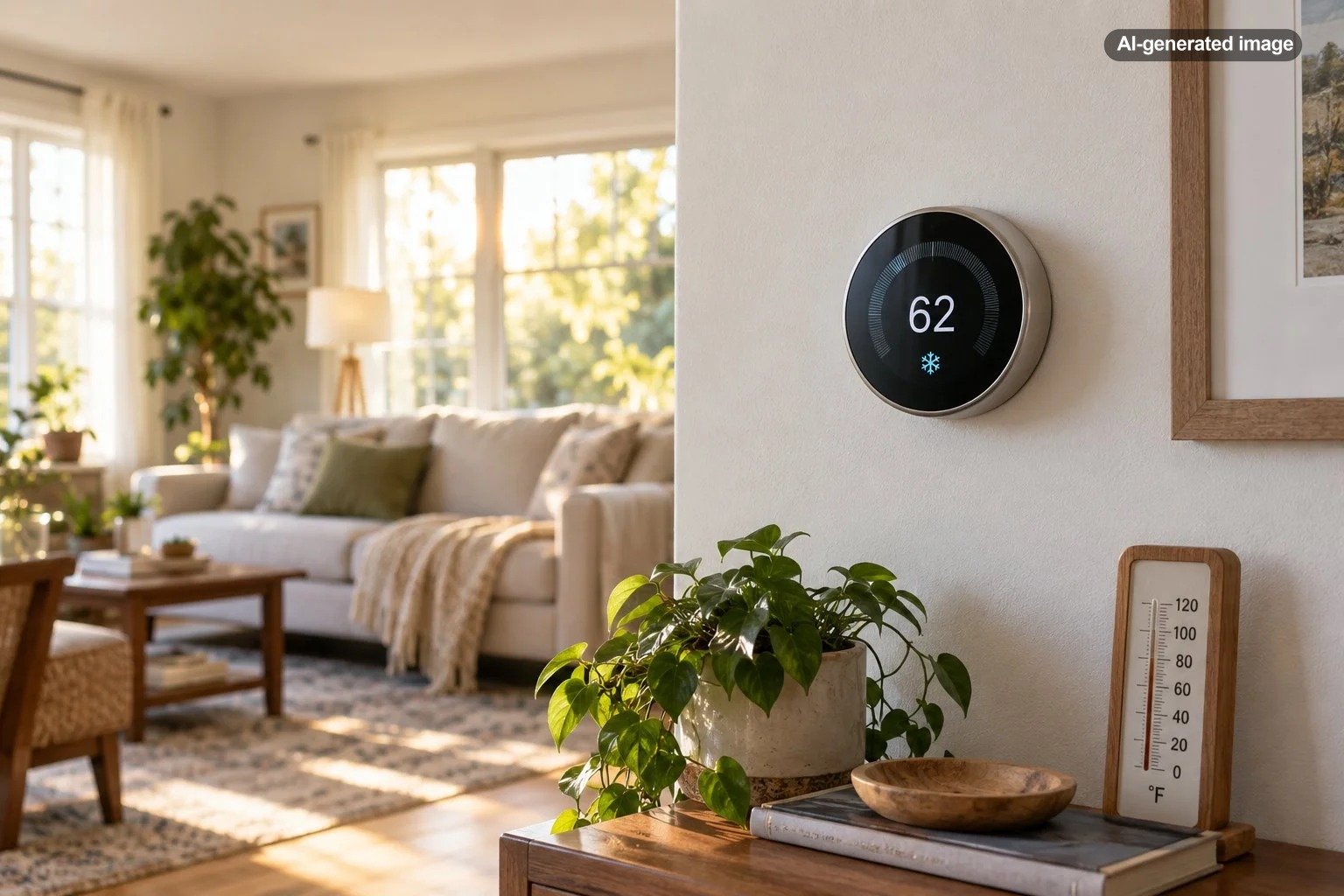
For a useful comparison, place a dependable room thermometer close to the thermostat at roughly the same height. Do not set it directly on top of the thermostat, where heat from the device may influence the test. Leave both alone while the HVAC system completes a normal cycle, then compare the readings. Repeating the test at two or three different times can reveal whether the difference is consistent or tied to sunlight, cooking, or system operation.
Thermostat placement can distort the reading
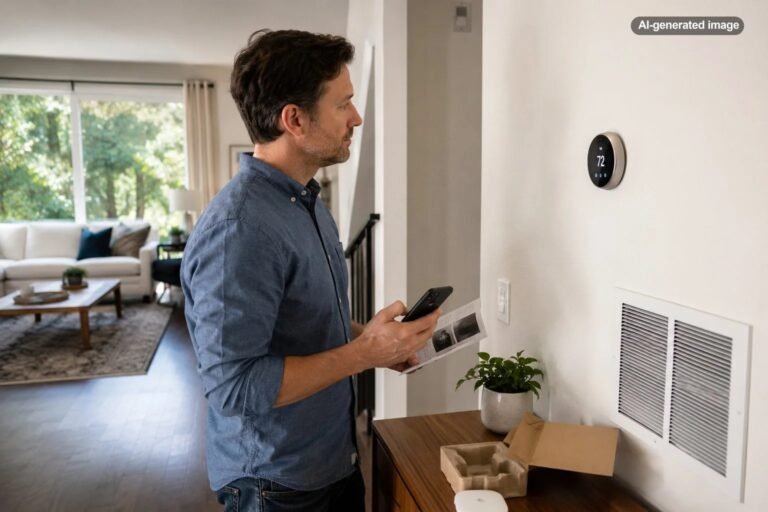
A thermostat works best where the surrounding air reasonably represents the occupied part of the home. Placement near an exterior door, drafty window, sunny wall, stairway, supply register, return grille, fireplace, or heat-producing appliance can make the displayed temperature unrepresentative.
The wall itself can matter. An unsealed wire opening behind the thermostat may allow air from a wall cavity, basement, attic, or utility chase to reach the sensor. That small stream of air can make the thermostat read warmer or cooler than the room. The opening should be inspected and addressed using an appropriate method that does not interfere with wiring or the thermostat base.
Research supported by the U.S. Department of Energy has also examined how thermostat placement affects comfort in efficient homes, reinforcing a useful principle: the sensor location can influence both the measured temperature and how the system responds.
Check which sensor is controlling the system
Some smart thermostats can use remote temperature sensors. If a bedroom or living-room sensor is active, the app may emphasize that sensor or use it to control the HVAC system during a scheduled period. The number on the thermostat, the number in the app, and the temperature being used for control may therefore refer to different locations.
Review the device or app settings for the active sensor, sensor schedule, comfort profile, and home or away mode. Confirm that the sensor assigned to the current period is the one you intended. Google explains that a compatible Nest temperature sensor can make the thermostat control the system according to another room rather than the thermostat’s internal sensor.
A remote sensor can improve comfort in a frequently used room, but it cannot make every room the same temperature. If the selected bedroom is unusually cool, for example, heating until that bedroom reaches its target may leave other rooms warmer.
App delays and display behavior can look like an error
The app and wall display may not refresh at exactly the same moment. A temporary network interruption, cloud-service delay, or device update can leave one screen showing an older value. Close and reopen the app, confirm that the thermostat is online, and compare the readings again after several minutes.
Also distinguish the current room temperature from the target temperature. Smart thermostat screens often display both, and the larger or more colorful number may change according to the operating mode. A target of 70 degrees does not mean the room is currently 70 degrees.
Schedules, eco modes, geofencing, recovery settings, and household automations can change the target without changing the measured room temperature. If the complaint is that the setting changes by itself, examine the schedule and activity history rather than calibrating the sensor.
Internal heat and recent handling can affect a reading
A smart thermostat contains electronics, a display, wireless components, and sometimes a rechargeable battery. Manufacturers account for normal internal heat in the device design, but prolonged screen activity, charging behavior, installation conditions, or a power problem may contribute to an unusual reading.
Do not judge the sensor immediately after holding the thermostat, removing it from its base, restarting it, or installing it. Hands and indoor-to-outdoor movement can warm or cool the housing. Allow the device to remain mounted and operating normally before testing again.
Use calibration only when the manufacturer supports it
Some thermostat brands provide a temperature correction or calibration offset; others do not. An offset can be appropriate when a careful comparison shows a small, repeatable difference under stable conditions. It is not a good substitute for correcting direct sunlight, drafts, a wall-cavity leak, or poor thermostat placement.
Before changing an offset, document the difference over several readings. If the thermostat is consistently two degrees higher than a nearby reference thermometer, an available correction setting may help. If the error varies from zero to five degrees during the day, investigate environmental influences or equipment behavior instead.
What to do
- Confirm that you are reading the current temperature rather than the target setting.
- Check which built-in or remote sensor is active.
- Place a reliable thermometer near the thermostat and allow both devices to stabilize.
- Repeat the comparison when direct sun, cooking, and nearby vents are not influencing the area.
- Inspect for drafts and an open wire hole behind the thermostat without disturbing the wiring.
- Review the manufacturer’s instructions before applying any calibration offset or reset.
- Call a qualified HVAC professional if the reading is unstable or system operation is abnormal.
When the HVAC system may be the real problem
An accurate thermostat can still reveal uncomfortable temperature differences caused by the home or HVAC system. Restricted airflow, a dirty filter, closed or blocked registers, duct leakage, inadequate return airflow, equipment cycling problems, or an imbalanced system can leave one area warmer or cooler than another. The thermostat reports only what is happening at its location.
Pay attention to the system’s behavior. If heating or cooling runs constantly, cycles on and off rapidly, fails to start, or does the opposite of the selected mode, the issue goes beyond a simple temperature comparison. Google advises checking power, wiring, compatibility, and maintenance when a Nest thermostat is associated with strange heating or cooling behavior.
Should you replace the thermostat?
Replacement makes sense when the manufacturer confirms a sensor fault, the display remains substantially inaccurate after careful testing, or the thermostat is incompatible with the HVAC equipment. It may also be reasonable when an older device can no longer receive necessary support and dependable operation has become difficult.
Replacement is less likely to help when the main problem is uneven temperatures between rooms. In that case, better sensor placement, airflow balancing, insulation improvements, duct evaluation, or a compatible remote sensor may be more useful.
Affiliate disclosure: CraneManor.com may earn a commission when you purchase through links on this page. This does not affect the price you pay. Learn more.
If replacement is appropriate, a compatible smart thermostat can provide scheduling and remote adjustment, but compatibility should be verified against the HVAC system and available wiring before purchase or installation. A new thermostat cannot correct duct, airflow, insulation, or equipment faults by itself.
Frequently asked questions
How far off can a thermostat be before I should investigate?
A small difference between two devices can result from rounding, placement, or update timing. Investigate when the difference is persistent, grows over time, changes sharply without an obvious cause, or affects comfort and HVAC operation.
Can sunlight make a smart thermostat read too high?
Yes. Direct sun can warm the thermostat housing and the nearby wall, producing a temperature that does not represent the rest of the room. Window coverings may help confirm the cause, but relocating the thermostat may be the more durable solution.
Why does my thermostat match a thermometer sometimes but not others?
A changing difference usually points to environmental effects such as HVAC airflow, sunlight, cooking, an open door, or different device response times. Record the conditions when the readings separate to identify a pattern.
Will resetting the thermostat fix an inaccurate temperature?
A restart may resolve a temporary display or software issue, but a factory reset can erase schedules and settings without correcting poor placement or a defective sensor. Follow the manufacturer’s troubleshooting instructions before resetting the device.