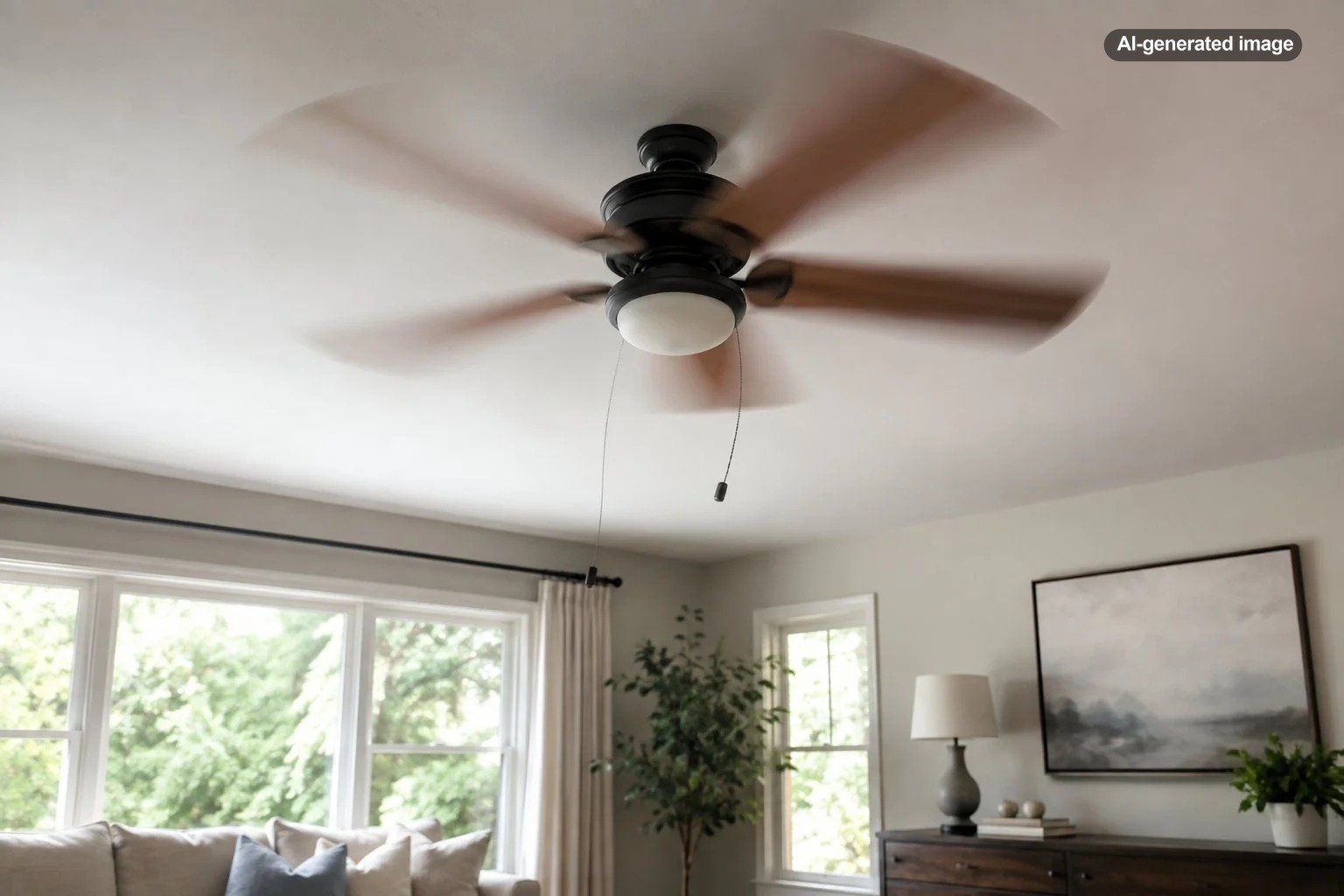
Why Does My Ceiling Fan Wobble at High Speed?
If your ceiling fan is fairly steady on low but starts wobbling noticeably at high speed, the usual explanation is that a small imbalance or loose connection becomes much more obvious as the blades spin faster. Common causes include loose blade screws, uneven or warped blades, accumulated dust, an improperly seated downrod or hanger assembly, or a mounting problem at the ceiling.
A slight movement is not the same thing as a fan that visibly rocks, shakes, clicks, or makes its canopy move against the ceiling. Significant wobbling deserves attention rather than simply accepting it as something ceiling fans do.
Why high speed makes the wobble more noticeable
A ceiling fan depends on its blades rotating around the motor with reasonably even weight, alignment, and pitch. Small differences that barely register at low speed can create considerably more visible movement when the fan spins faster.
That is why a high-speed wobble does not automatically mean the motor is failing. It often points to something mechanical: one blade may sit slightly differently from the others, a screw may have loosened, or the rotating assembly may simply be out of balance.
Manufacturer troubleshooting guidance from Hunter identifies common causes including loose hardware, warped or uneven blades, incorrect installation, and blade imbalance. The company also recommends verifying the mounting arrangement before moving on to blade balancing.
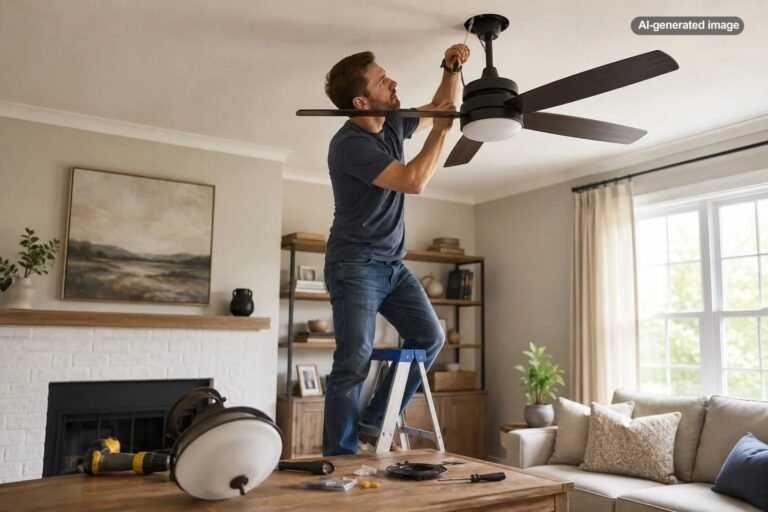
Start by turning the fan off and inspecting the obvious things
Do not try to inspect, adjust, or touch a ceiling fan while it is moving. Turn it off and allow the blades to stop completely. If your inspection involves removing the canopy, accessing wiring, or working around electrical connections, shut off power at the appropriate breaker and follow the instructions for your specific fan.
What to do
- Clean all of the blades so dust is not unevenly distributed.
- Check the screws connecting each blade to its blade arm or bracket.
- Look over the blade arms and blades for anything visibly bent, cracked, bowed, or twisted.
- Check accessible downrod, canopy, light-kit, and mounting hardware for looseness according to the fan’s manual.
- After everything is secure, test the fan again before attempting to balance the blades.
Cleaning may sound almost too simple, but uneven buildup can change how the rotating assembly behaves. It also gives you an opportunity to inspect every blade rather than staring at the fan from the floor and trying to guess which part is moving.
Check whether the blades line up evenly
A blade that sits slightly higher, lower, or at a different angle from the others can contribute to wobble. With the fan completely stopped, compare the blades from several angles. Look for an obvious bend in a blade arm or a blade that appears bowed or twisted.
You can also compare the blade tips relative to a fixed reference point on the ceiling, provided you can do so safely from a stable ladder. Large differences deserve investigation. Do not bend blade brackets aggressively in an attempt to make them match; parts should be handled according to the manufacturer’s instructions.
Make sure the fan itself is securely mounted
This is the distinction that matters most. A fan can wobble because its blades are slightly unbalanced while the mounting system remains solid, or the entire fixture can be moving because something in the mounting assembly is loose or improperly installed.
Watch the fan from a safe distance while it runs briefly. Movement concentrated at the blade level suggests a balance or alignment issue. Visible movement where the canopy meets the ceiling, unusual knocking, or a fixture that feels loose when it is completely powered off warrants more caution.
Ceiling fans create dynamic loads and vibration, so their support requirements differ from those of ordinary lightweight light fixtures. A fan should be installed using a ceiling support system appropriate for ceiling-fan use and according to the manufacturer’s instructions.
When blade balancing makes sense
If the fan is securely mounted, its hardware is tight, the blades are undamaged, and the wobble remains, balancing is a logical next step. Ceiling fan balancing kits typically use a temporary clip to identify where additional weight changes the wobble, followed by a small adhesive weight placed on the appropriate blade.
The exact procedure varies, so use the instructions supplied with your fan or balancing kit. The general idea is to test one blade at a time, find the position that produces the smoothest operation, and then apply the permanent balancing weight in the corresponding location.
Balance weights should not be used randomly. Adding weight to several blades without a systematic test can simply move the imbalance around rather than correcting it.
What if the fan only wobbles during speed changes?
Pay attention to when the movement occurs. A brief change in motion while a fan accelerates or slows is different from a persistent wobble once it reaches a steady speed. Some manufacturer documentation notes that temporary movement can occur while transitioning between speeds on certain fans.
If the fan settles and runs smoothly once it reaches its selected speed, that is a different situation from a fan that continues shaking continuously on high. Persistent wobbling is the pattern worth troubleshooting.
What not to do
- Do not keep running a severely wobbling fan simply to see whether it eventually settles down.
- Do not tighten or adjust components while the fan is spinning.
- Do not assume a balancing kit can correct a loose ceiling mount.
- Do not attach improvised objects or unsecured weights to fan blades.
- Do not perform electrical or structural work beyond your experience or the manufacturer’s instructions.
A useful troubleshooting rule is to make the fan secure first and balanced second.
When should you call a professional?
If basic cleaning, blade inspection, tightening of manufacturer-approved accessible hardware, and proper balancing do not solve the problem, it is reasonable to stop troubleshooting and have the fan evaluated.
Professional help is especially appropriate when the ceiling attachment moves, you are unsure whether the electrical box or support is suitable for a fan, the hanger assembly appears incorrectly installed, parts are damaged, wiring needs to be accessed, or the fan began wobbling severely after years of previously smooth operation.
An electrician or other appropriately qualified professional can evaluate the installation rather than merely treating the visible wobble. That matters because the correct repair depends on whether the problem is in the blades, fan hardware, hanger assembly, electrical box, or structural support above it.
How can you keep a ceiling fan from becoming wobbly again?
Occasionally clean the blades, inspect accessible hardware with the fan powered off, and pay attention when a previously quiet fan starts clicking or moving differently. If you remove blades for cleaning or maintenance, reinstall them exactly as directed for your model.
Most importantly, investigate changes early. A small imbalance is generally easier to understand when the fan has just started behaving differently than after months of additional vibration have made several parts suspect at once.
Frequently asked questions
Is a little ceiling fan wobble normal?
Very slight movement can occur, particularly during changes in speed, but persistent or pronounced wobbling should not simply be ignored. Check the fan’s model-specific manual because installation and troubleshooting guidance varies.
Can dust really make a ceiling fan wobble?
Yes. Manufacturer troubleshooting guidance identifies uneven dust buildup as one possible contributor to imbalance. Cleaning all blades evenly is therefore a sensible first step.
Can I balance a ceiling fan myself?
Blade balancing is commonly designed as a homeowner troubleshooting procedure when the fan is securely installed and otherwise undamaged. Follow the balancing instructions for your particular fan or kit rather than improvising.
Does a wobbling fan need to be replaced?
Not necessarily. Loose blade hardware, dirt, alignment problems, or ordinary blade imbalance may be correctable. Replacement or professional evaluation becomes more relevant when components are damaged, mounting problems cannot be corrected, or troubleshooting does not restore smooth operation.