Why Does My Smart Thermostat Say the Air Conditioner Is Running When It Is Not?
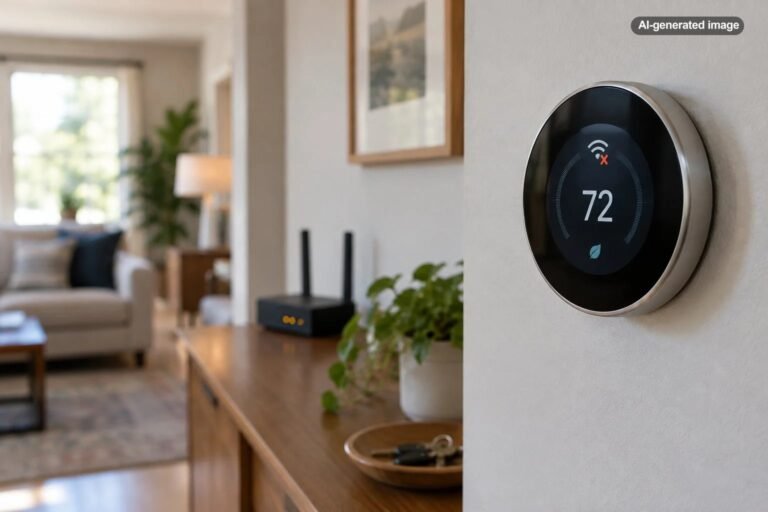
A smart thermostat can say that the air conditioner is running even when the outdoor unit is silent, the vents are not delivering cool air, or nothing appears to be happening at all. That does not necessarily mean the thermostat is defective. In many systems, the display is telling you that the thermostat is calling for cooling, not confirming that every part of the air-conditioning equipment has successfully started.
The difference matters. A thermostat is essentially the control point that requests cooling. Between that request and actual cold air are wiring, control boards, safety switches, electrical components, the indoor blower, and the outdoor compressor and fan. A problem anywhere along that chain can leave the thermostat appearing confidently blue while the house remains stubbornly warm.
First, understand what the thermostat is actually reporting
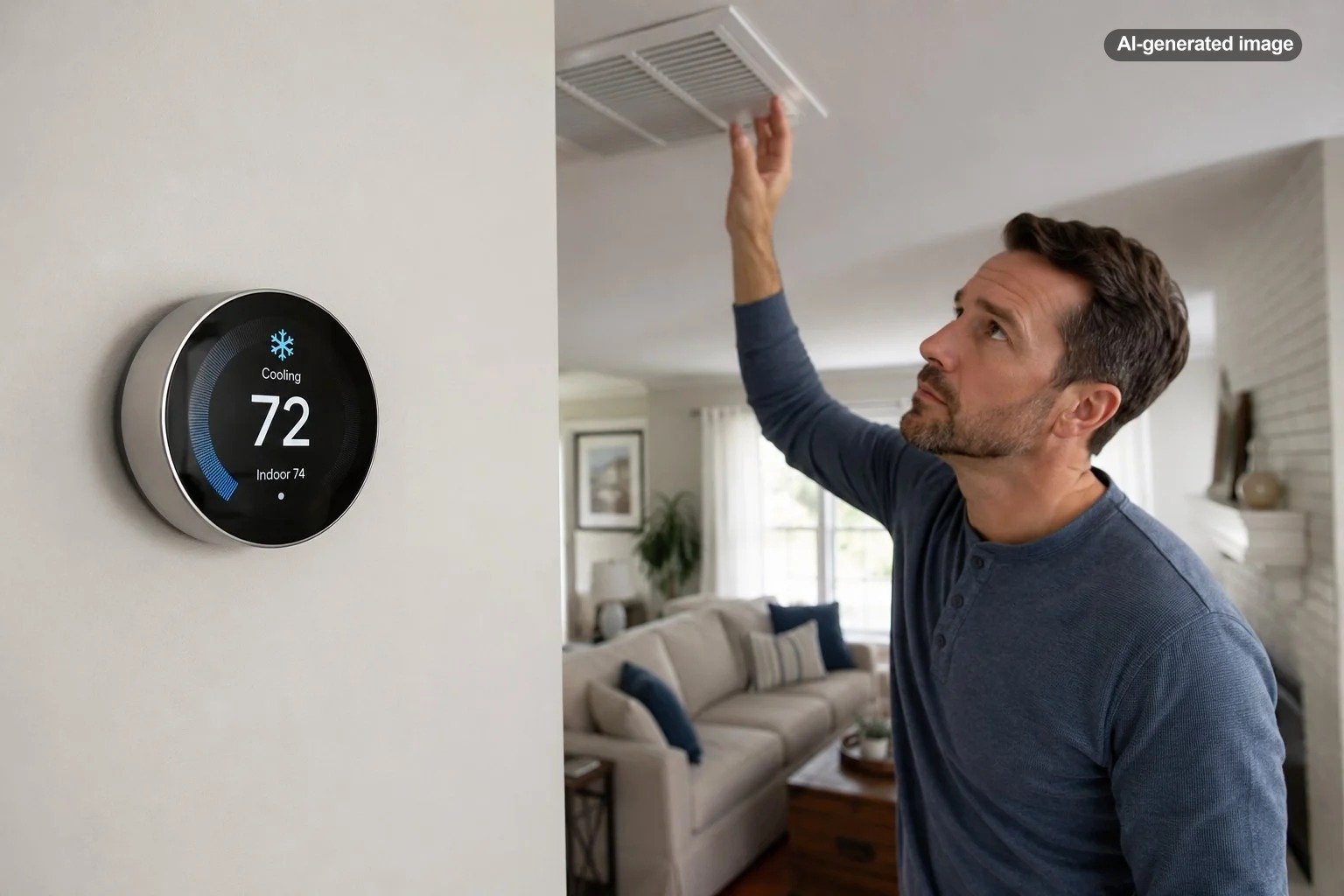
On many smart thermostats, a cooling indicator means the thermostat has determined that the home needs cooling and is requesting it from the HVAC system. It should not automatically be interpreted as proof that the compressor outside is running.
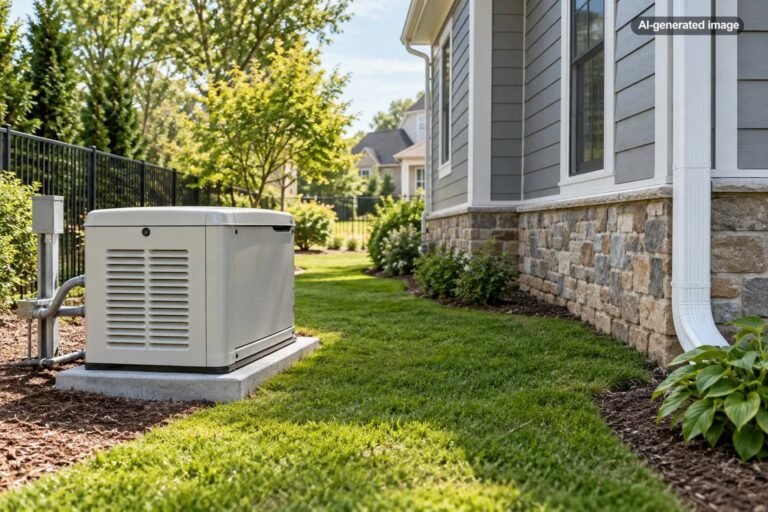
This distinction is especially useful when troubleshooting a central split system. Such systems commonly have an indoor air handler or furnace containing the blower and an outdoor unit containing the compressor and condenser fan. One part can operate while another does not. You might hear air moving indoors even though the outdoor unit is silent, or the thermostat may show a cooling request while neither unit starts.
A practical first check is simple: lower the cooling setpoint enough to create an obvious call for cooling, then observe the system without opening electrical panels. Listen for the indoor blower, check for airflow at a supply register, and from a safe position see whether the outdoor unit is operating.
Give the system time for a built-in compressor delay
A short delay after the thermostat requests cooling can be completely normal. Thermostat and HVAC controls may deliberately prevent a compressor from restarting immediately after it has stopped. This helps avoid rapid cycling that can be hard on cooling equipment.
For example, ecobee documents a minimum period after a previous cooling cycle before another cycle can begin, while Google Nest describes thermostat behavior intended to reduce frequent cycling. The wording and timing displayed on your thermostat vary by brand, model, settings, and HVAC equipment.
If the cooling indicator remains on well beyond the normal delay described for your thermostat and HVAC system, continue troubleshooting rather than repeatedly lowering the temperature. Setting the thermostat dramatically colder does not provide a stronger electrical request for cooling.
Check the mode, temperature, schedule, and fan setting
Before moving toward an equipment problem, rule out the quiet little settings that can create surprisingly convincing symptoms. Confirm that the thermostat is in Cool or the appropriate automatic heating-and-cooling mode and that the desired temperature is below the measured room temperature.
Then review any schedule, temporary hold, away mode, utility-related setting, or automation that may be changing the target temperature. Smart thermostats can make decisions based on schedules and configured features, so the temperature displayed at one moment may not tell the whole story.
Also distinguish the system fan from active cooling. A fan set to run continuously can circulate room-temperature air when the compressor is not operating. Conversely, no airflow at all during an active cooling request may indicate that the indoor portion of the HVAC system is not operating.
Check whether the HVAC equipment has power
If the thermostat is awake and connected to Wi-Fi, it is tempting to assume the entire HVAC system has power. That is not always true. The thermostat, indoor equipment, and outdoor equipment may involve different electrical circuits or controls.
Check your home’s electrical panel for an obviously tripped HVAC or air-conditioning breaker. If a breaker has tripped repeatedly, do not keep resetting it to force the system to run. Repeated tripping can indicate an electrical or equipment fault that should be evaluated by a qualified HVAC professional or electrician.
Some systems also have service switches or equipment-mounted disconnects. If you are not already familiar with your system, troubleshooting should stop at ordinary homeowner-accessible controls. Do not remove covers or reach into equipment containing line-voltage components.
Inspect the air filter and look for signs of airflow trouble
A neglected filter does not explain every no-start condition, but it belongs in a sensible HVAC check because restricted airflow can contribute to cooling problems. ENERGY STAR recommends regularly inspecting, cleaning, or replacing HVAC filters as appropriate for the system.
Check the filter without dismantling equipment. If it is visibly loaded with dust, replace or clean it according to the filter and equipment manufacturer’s directions. Confirm that supply and return grilles are not unintentionally blocked by furniture or household items.
If you discover ice on accessible refrigerant lines or around the cooling equipment, do not treat that as a thermostat problem. Ice can accompany airflow or refrigeration-system issues, and continuing to demand cooling may make the situation worse. Professional HVAC evaluation is appropriate if icing develops or returns.
The thermostat may be calling correctly while the AC cannot respond
Once settings, ordinary delays, accessible power checks, and basic airflow checks have been ruled out, the thermostat may actually be doing its job. The failure may be farther downstream.
An outdoor condensing unit can fail to start for several reasons involving controls or electrical and mechanical components. The indoor air handler can also encounter a control or safety condition that prevents normal operation. These are not problems that can be accurately diagnosed from the thermostat screen alone.
What to do
- Confirm that cooling mode is selected and the setpoint is below the room temperature.
- Wait through any normal restart or compressor-protection delay described by your thermostat manufacturer.
- Check whether air is moving from the supply vents.
- Observe from a safe location whether the outdoor unit is operating.
- Inspect the HVAC filter and replace or clean it if required.
- Check the electrical panel for an obviously tripped HVAC breaker, but do not repeatedly reset a breaker that continues to trip.
- Review the thermostat app for error messages, equipment warnings, or unusual scheduling behavior.
- If the thermostat keeps calling for cooling and the equipment still does not respond, contact a qualified HVAC professional.
Could thermostat wiring or power be the problem?
Yes. Smart thermostats depend on correct wiring and adequate electrical power, and some unusual heating or cooling behavior can be associated with wiring or power problems. Google Nest, for example, advises that strange system behavior can sometimes be related to thermostat power and wiring configuration.
This possibility deserves particular attention if the problem began immediately after thermostat installation, HVAC service, a wiring change, or replacement of another system component. Incorrect equipment configuration can also cause unexpected behavior with heat pumps and more complex systems.
However, opening HVAC equipment to trace thermostat wires can expose high-voltage components. Google specifically advises turning off system power before advanced wiring inspection and recommends professional help when appropriate. If you are not comfortable identifying control wiring and safely isolating power, this is a good point to call a technician.
Affiliate disclosure: CraneManor.com may earn a commission when you purchase through links on this page. This does not affect the price you pay. Learn more.
If replacement is already warranted for other reasons and remote control is useful to your household, a compatible smart thermostat such as the Google Nest Thermostat is one option to consider. Verify your HVAC system and wiring compatibility before purchasing or installing any thermostat; a new thermostat will not correct a mechanical, electrical, airflow, or refrigeration fault elsewhere in the system.
When a thermostat display problem is more likely
The thermostat itself moves higher on the suspect list when its displayed status conflicts consistently with the actual equipment operation, when it reports wiring or power errors, when the problem started after installation, or when manufacturer troubleshooting identifies a thermostat-specific fault.
Before replacing it, document what is happening. Note the room temperature, target temperature, mode, displayed cooling status, whether the indoor blower runs, whether the outdoor unit runs, and any error message. That information is far more useful to a technician than simply reporting that the thermostat seems wrong.
A cooling symbol tells you what the thermostat wants the HVAC system to do; the equipment itself tells you whether that request actually succeeded.
When to call an HVAC professional
Professional service is the sensible next step when the thermostat continues requesting cooling but the outdoor unit or indoor blower will not start after normal delays and basic checks. The same applies when the breaker repeatedly trips, the equipment is icing, unusual electrical noises occur, or the problem repeatedly disappears and returns.
An HVAC technician can test the control signal and determine whether the failure is at the thermostat, wiring, control board, safety circuit, indoor equipment, or outdoor unit. That is considerably more reliable than replacing the thermostat simply because its screen is the most visible part of the system.
FAQ
Why does my thermostat say cooling when the outside AC unit is off?
The thermostat may be calling for cooling while the system is in a protective delay, or the cooling request may not be successfully reaching or starting the outdoor equipment. If the condition persists beyond the expected delay, check settings, accessible power, airflow, and equipment status before arranging service.
How long should I wait before assuming the AC is not starting?
Follow the timing and messages specified by your thermostat and HVAC manufacturers. Some controls intentionally impose a restart delay to protect the compressor. If the normal delay has clearly passed and the equipment remains inactive, continue troubleshooting.
Can a dirty air filter make the air conditioner stop working?
A heavily restricted filter can contribute to poor airflow and HVAC performance problems. Filters should be inspected and serviced according to the equipment and filter instructions, but replacing a dirty filter will not repair an unrelated electrical, control, or mechanical failure.
Should I reset the breaker if the AC is not running?
You can inspect the electrical panel for an obviously tripped HVAC breaker if doing so is part of your normal household maintenance. If a breaker trips again or will not remain set, stop resetting it and have the cause evaluated professionally.
Does this mean I need a new thermostat?
Not necessarily. A thermostat that shows a cooling call may be operating correctly while another part of the HVAC system fails to respond. Confirm the basic sequence of operation and investigate persistent equipment problems before assuming replacement is necessary.