Why Does My Smart Thermostat Keep Disconnecting From Wi-Fi?
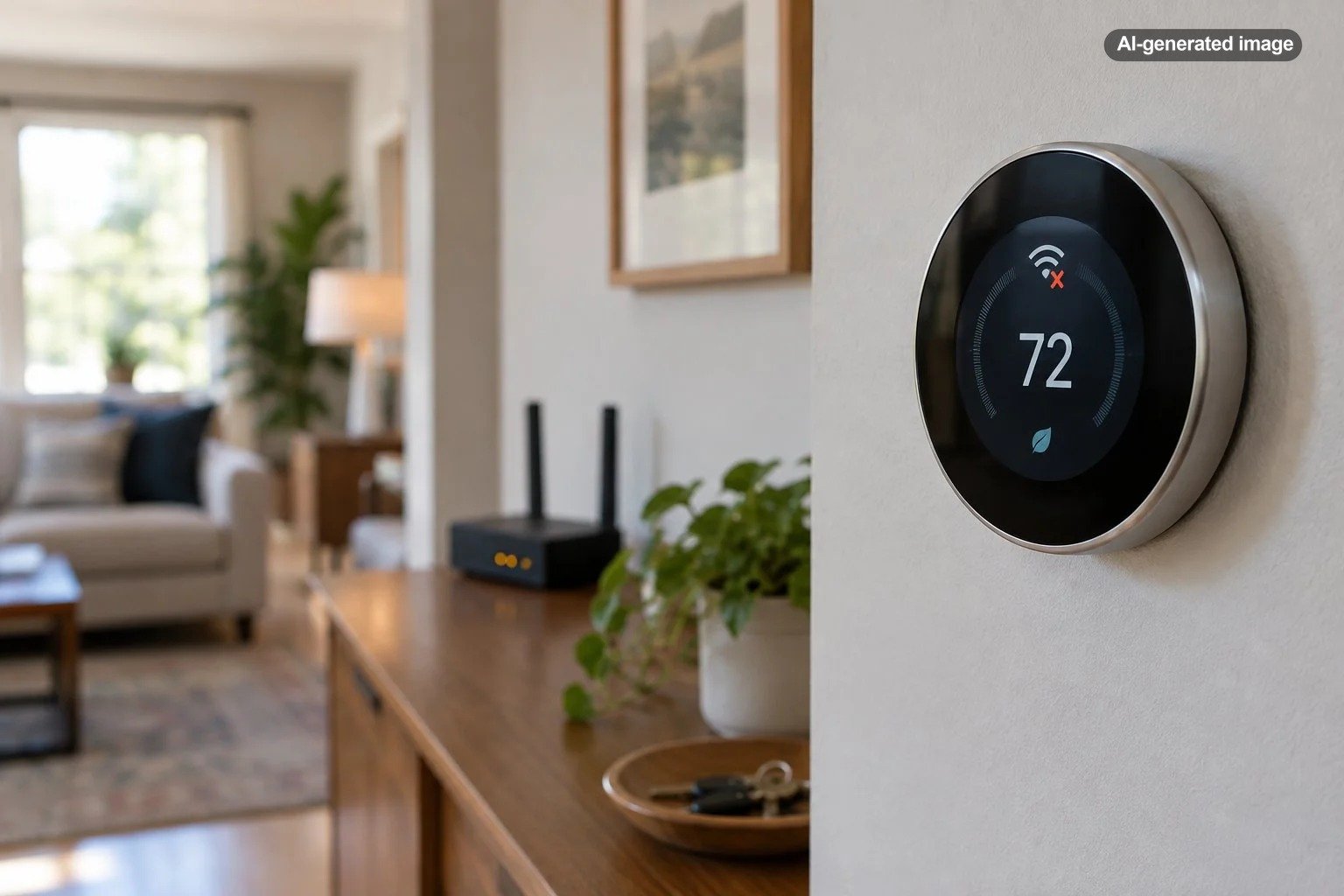
A smart thermostat that keeps disconnecting from Wi-Fi is usually dealing with one of a few problems: a weak or unstable wireless signal, router changes, interference, inconsistent power to the thermostat, or a device-specific connection fault. The thermostat may continue controlling your heating and cooling locally while it is offline, but app control, remote adjustments, updates, and other connected features can become unavailable.
The useful clue is how the thermostat disconnects. If several smart devices go offline together, start with the network. If only the thermostat drops out, pay closer attention to its signal strength, power supply, wiring, and manufacturer troubleshooting information.
Start by deciding whether the problem is Wi-Fi or the thermostat
Before changing thermostat settings, see what the rest of the house is doing. Connect a phone or tablet to the same home Wi-Fi network near the thermostat. If that device also struggles to stay connected, the thermostat may simply be sitting in a weak-coverage area.
If multiple connected devices are offline, restarting the router is a reasonable early step. Google likewise advises checking the home network when multiple Nest products are offline and notes that Nest products periodically attempt to reconnect after losing their network connection.
When every other device works normally but the thermostat repeatedly disappears from its app, the thermostat itself becomes the more useful place to investigate.
Weak Wi-Fi can affect a thermostat even when your phone seems fine
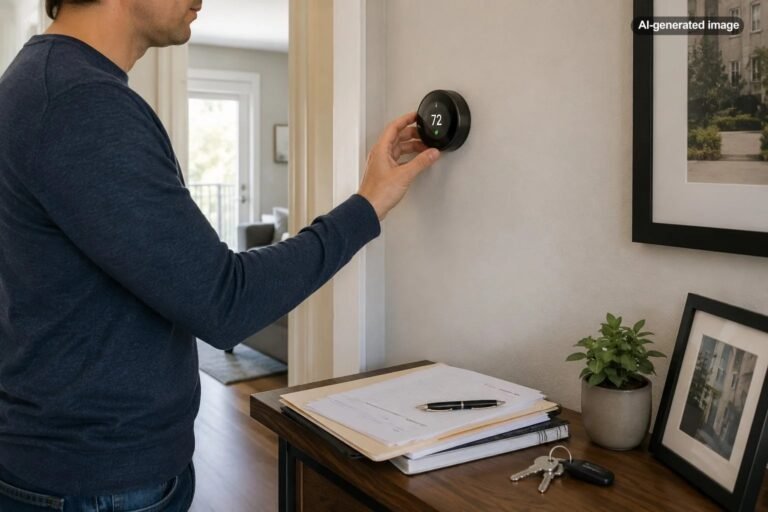
A thermostat is permanently mounted in one location, often in a hallway or interior wall that was chosen for temperature sensing rather than wireless reception. Distance from the router, dense walls, metal, appliances, and nearby wireless equipment can all make that location less forgiving than the sofa where you normally use your phone.
Google’s Nest troubleshooting guidance specifically recommends testing Wi-Fi with another device while standing near the thermostat. It also identifies wireless interference from equipment such as cordless phones, baby monitors, microwaves, Bluetooth devices, and wireless video equipment as possible troublemakers.
Recent router or password changes are easy to overlook
If the trouble started after installing a new router, changing the Wi-Fi password, renaming the network, replacing internet equipment, or altering wireless settings, update the thermostat’s network information according to its manufacturer’s instructions.
A remembered network name does not necessarily mean the thermostat can still authenticate successfully. This is especially worth checking when the thermostat worked reliably for months and suddenly became permanently offline immediately after a network change.
Router configuration can matter
Smart thermostats do not all support the same wireless standards, bands, or router configurations, so use the documentation for your exact model rather than applying generic networking advice blindly. For example, Google’s current Nest Thermostat specifications list support for 2.4 GHz 802.11b/g/n and 5 GHz 802.11a/n Wi-Fi. Other thermostat models can have different requirements.
If the network is visible but connection attempts repeatedly fail, check the manufacturer’s recommended router settings before making broad changes to your home network. A router firmware update, mesh-network configuration, guest network, access-control feature, or recently changed security setting can sometimes explain why one smart-home device behaves differently from everything else.
Power problems can look surprisingly similar to Wi-Fi problems
This is the part of thermostat troubleshooting that is easiest to miss. A smart thermostat needs reliable electrical power as well as a reliable network connection. If its available power becomes inadequate, some models may limit connected features before they completely stop operating.
Google states that a Nest thermostat may disconnect from Wi-Fi when it is not receiving power. Its documentation also explains that some systems may need a common, or C, wire or another approved power solution to supply consistent power. Heating-only, cooling-only, zone-controlled, and some heat-pump configurations are among the systems for which power requirements deserve particular attention.
The exact symptoms and power requirements vary by thermostat model, so do not assume that adding or altering a wire is automatically the solution. Thermostat wiring interfaces directly with HVAC controls, and an apparent Wi-Fi problem can sometimes be evidence of a broader equipment or wiring issue.
Check batteries when your thermostat model uses them
Battery arrangements differ substantially between thermostat models. Google’s standard Nest Thermostat, for example, receives primary power through the HVAC wiring and uses two AAA alkaline batteries as backup or supplemental power. Google advises investigating the C-wire connection or another approved power solution when repeated low-battery warnings indicate that the HVAC system may not be supplying enough consistent power.
Other thermostats use internal rechargeable batteries or entirely different power arrangements. That is why replacing batteries at random is less useful than identifying the exact model and following its instructions.
Use a simple troubleshooting order instead of changing everything at once
What to do
- Check whether the thermostat is actually offline in its app and whether its own display shows a network, battery, power, or error message.
- Test another Wi-Fi device while standing near the thermostat.
- See whether other smart-home devices are also offline.
- Confirm that the Wi-Fi name, password, router, or internet equipment has not recently changed.
- Restart the router and thermostat using their manufacturers’ recommended procedures.
- Check the exact thermostat model’s Wi-Fi requirements and connection troubleshooting documentation.
- If disconnects continue, investigate thermostat power, batteries, C-wire requirements, and HVAC-related error messages before assuming the router is responsible.
Changing one variable at a time matters. If you reboot the router, reset the thermostat, rename the network, move mesh nodes, and change router security settings simultaneously, you may restore the connection without learning which change actually mattered. That makes the next dropout harder to diagnose.
Should you move the router or add stronger Wi-Fi coverage?
If testing reveals consistently poor reception at the thermostat, improving wireless coverage may be more sensible than repeatedly reconnecting the device. Router placement, a properly positioned mesh system, or another networking solution can improve coverage in parts of the house where the signal is weak.
However, do not use network hardware to paper over obvious thermostat power warnings. A stronger wireless signal cannot correct inadequate electrical power reaching the thermostat.
When a replacement thermostat makes sense
Replacement is usually not the first response to a connection problem. A perfectly functional thermostat can look defective when the actual cause is marginal Wi-Fi, a recently changed password, or inadequate HVAC power.
Affiliate disclosure: CraneManor.com may earn a commission when you purchase through links on this page. This does not affect the price you pay. Learn more.
If you determine that an older thermostat truly needs replacement and your HVAC system is compatible, a Wi-Fi-enabled thermostat such as the Google Nest Thermostat is one option to consider. Verify HVAC wiring and system compatibility before purchasing or installing any replacement; compatibility is not universal, and changing thermostats will not fix a weak home network.
When to call an HVAC professional
Professional help becomes more appropriate when the thermostat’s connection failures coincide with power loss, repeated battery depletion, equipment error messages, unusual HVAC behavior, or uncertainty about thermostat wiring. A technician can evaluate whether the thermostat is receiving suitable power and whether the control wiring or HVAC equipment is contributing to the problem.
Network-only problems, by contrast, may be better handled through the thermostat manufacturer, internet provider, router manufacturer, or a home-networking specialist. Separating those two categories prevents a frustrating Wi-Fi problem from becoming an unnecessary HVAC repair – and prevents a genuine power problem from being dismissed as bad internet.
FAQ
Will my heating or cooling stop if the smart thermostat loses Wi-Fi?
Many smart thermostats can continue basic local temperature control when internet connectivity is lost, although remote controls and connected features may become unavailable. Check the documentation for your specific thermostat because behavior can vary by model and system configuration.
Why does my thermostat reconnect after I restart the router?
A restart can clear a temporary router or network problem and allow the thermostat to establish a fresh connection. If the problem returns regularly, however, investigate signal quality, router configuration, thermostat power, and manufacturer-specific error information rather than relying on repeated restarts.
Can a C wire help with Wi-Fi disconnects?
For thermostats and HVAC configurations that are experiencing inadequate power, a properly connected C wire or manufacturer-approved power solution may provide a more stable power supply. It is not a universal Wi-Fi fix, and wiring requirements depend on the thermostat and HVAC system.
Why does only my thermostat lose Wi-Fi?
The thermostat may have weaker reception at its fixed wall location, different wireless compatibility than your other devices, or a thermostat-specific power or hardware issue. Testing another device beside the thermostat is a useful way to separate location-related Wi-Fi trouble from a problem affecting the thermostat itself.
Sources & further reading
- Google Home and Nest Help: Troubleshoot Wi-Fi and connection issues for Nest products
- Google Home and Nest Help: Troubleshoot Nest thermostat Wi-Fi connection during setup
- Google Home and Nest Help: Troubleshoot a No power alert on a Nest thermostat
- Google Home and Nest Help: How to change Nest Thermostat batteries
- Google Store: Nest Thermostat tech specs