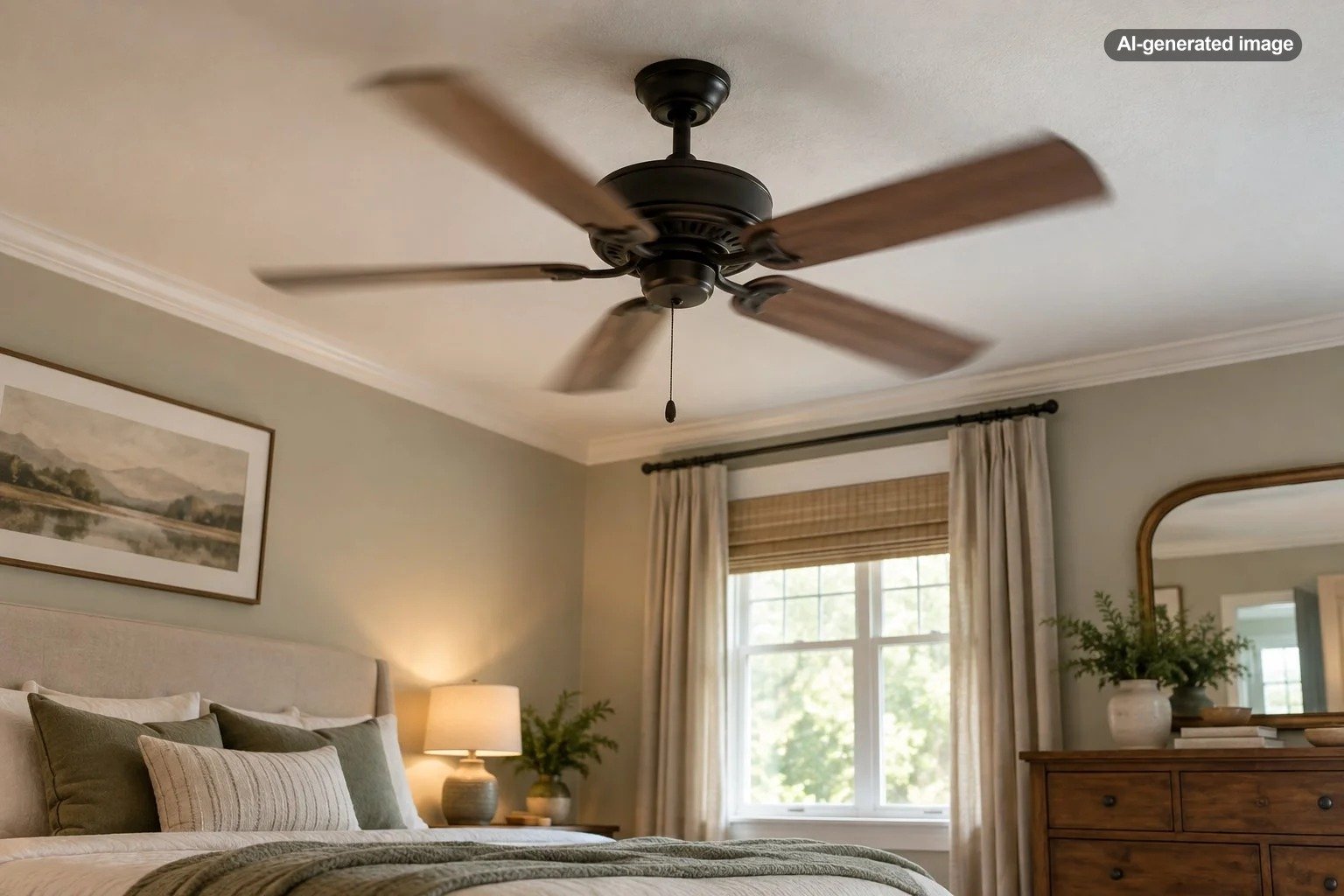
Why Does My Ceiling Fan Shake at Low Speed?
If your ceiling fan shakes at low speed, the most likely explanation is not that the low setting itself is defective. Wobble usually points to a mechanical issue somewhere in the rotating assembly or mounting system, such as uneven blades, loose blade hardware, an improperly seated downrod, an unbalanced blade set, or movement at the ceiling mount. Low speed can simply make a particular vibration pattern easier to see.
A tiny amount of movement is not automatically a sign of failure, especially with a downrod-mounted fan. Pronounced side-to-side shaking, rhythmic knocking, visibly uneven blades, or movement where the fan meets the ceiling deserves attention rather than being dismissed as normal operation.
Why a fan can shake more at one speed than another
A ceiling fan is a rotating system made up of the motor, blades, blade arms or attachment points, mounting hardware, and, on many models, a downrod. Small differences in weight, alignment, or tightness can create repeating forces as the fan rotates.
Those forces do not necessarily look identical at every speed. A fan may appear relatively smooth at one setting and noticeably shaky at another because the speed changes how vibration travels through the motor, downrod, mounting bracket, and ceiling structure. That does not prove a motor problem. It means the speed at which you notice the wobble is only one clue.
Some fan manuals even note that temporary wobble can appear while a fan transitions from a higher setting to low speed and then disappear once the fan settles. Persistent shaking after the fan reaches a steady low speed is different and is worth investigating.
Start with the blades
Blade-related problems are among the most common reasons a ceiling fan wobbles. Manufacturer troubleshooting guidance commonly points homeowners toward loose blade screws, uneven blade alignment, warped blades, or improper blade seating before assuming something is wrong with the motor.
With the fan completely off, visually compare the blades. Look for one that appears to sit higher or lower than the others, a blade that seems twisted, or an attachment point that does not match its neighbors. On fans with removable blades or blade arms, verify that each attachment is secure according to the manufacturer’s instructions.
Dust deserves attention too. A light, even layer is unlikely to create dramatic shaking by itself, but uneven buildup can change the balance of the rotating assembly. Clean all blades rather than cleaning only the visibly dirty one, then let them dry completely before operating the fan again.
Check for loose hardware and rattling accessories
A ceiling fan contains numerous fasteners that can loosen over time. Depending on the design, these may include blade screws, blade-arm hardware, canopy fasteners, downrod connections, set screws, mounting hardware, and light-kit components.
Manufacturer guidance for wobbling fans routinely recommends checking these connections. A loose part does not always create dramatic movement by itself. It may instead allow an existing imbalance to become more visible or produce clicking and rattling as the fan changes speed.
Before touching hardware, shut the fan off and follow the safety instructions in the model-specific manual. If an inspection requires removing electrical covers, accessing wiring, or working beyond ordinary owner maintenance described by the manufacturer, that is a sensible point to involve a qualified electrician or ceiling-fan installer.
Pay special attention to the ceiling mount
The blades may be the obvious moving parts, but the support above them matters just as much. Ceiling-fan manufacturers specify that the fan must be attached to an appropriate fan-supporting electrical box or mounting structure. A box intended only for an ordinary light fixture should not simply be assumed suitable for supporting a ceiling fan.
Watch the fan from a safe position while it runs. The motor housing or downrod may have some movement depending on the fan design, but the ceiling connection itself should not look loose. Visible movement of the electrical box, bracket, canopy support, or surrounding ceiling material calls for a closer inspection.
Could the blades simply be out of balance?
Yes. If the mounting system is secure, the hardware is tight, the blades are clean and properly seated, and none appears damaged, blade balance becomes a reasonable next possibility.
Many ceiling-fan manufacturers provide balancing procedures for their products. A typical balancing process uses a temporary clip to determine which blade responds to additional weight and then places a small balancing weight at the appropriate position. The exact procedure varies, so use the instructions for your fan or for the balancing kit rather than improvising with random objects attached to a spinning blade.
Balancing is most appropriate when the fan is fundamentally sound but has a relatively small rotational imbalance. It is not a substitute for fixing a loose ceiling box, damaged blade, improperly seated downrod, or other installation problem.
What to do
- Turn the fan off and let it stop completely.
- Clean all blades evenly and inspect them for visible warping, damage, or inconsistent seating.
- Check accessible blade and accessory hardware according to the fan manual.
- Observe whether the canopy, mounting bracket, or ceiling connection appears loose.
- Run the fan again only after obvious mechanical issues have been addressed.
- If the mount is secure but the fan still wobbles, follow the manufacturer’s balancing procedure.
- Stop troubleshooting and call a qualified professional if the support structure, wiring, or electrical box needs examination.
What if the fan is smooth on medium and high but shakes only on low?
That pattern can feel puzzling because homeowners often expect imbalance to become worse as speed increases. Real installations are not always that simple. Different rotational speeds can make different vibration patterns more or less visible, and the flexibility of a downrod or mounting system can influence what you see from below.
If the movement appears only briefly while the fan is slowing down, allow the fan to reach its steady low setting and observe it again. Some manufacturer troubleshooting instructions recognize temporary movement during a speed transition. If the shaking continues steadily on low, inspect the same mechanical fundamentals rather than immediately blaming the speed control.
An unusual speed-specific symptom can also justify checking the fan’s manual for control compatibility. Fans designed for proprietary remotes, electronic controls, or specific wall controls should be operated only with compatible equipment specified by the manufacturer. Diagnosing or altering electrical controls is not a useful first DIY step for a fan that also has unresolved mechanical wobble.
When a bent or damaged blade changes the answer
A balancing weight can compensate for a modest weight difference, but it cannot restore the shape of a blade that is warped, bowed, twisted, cracked, or improperly attached. If one blade clearly travels through a different plane from the others, determine why before adding weights.
Replacement components should match the fan model and manufacturer’s requirements. Mixing blades, substituting unapproved parts, or altering blade shape can change both balance and airflow. If replacement blades are unavailable or the fan has multiple damaged components, professional evaluation or replacement of the fan may be more practical than repeated balancing attempts.
Balancing can correct a healthy fan that is slightly uneven; it cannot make an insecure installation healthy.
When to call an electrician or fan professional
Routine cleaning and basic visual inspection are reasonable homeowner tasks for many fans. The situation changes when troubleshooting reaches the electrical box, household wiring, structural support, concealed mounting hardware, or damaged electrical components.
Professional evaluation is particularly appropriate when the fan was installed where a light fixture previously hung and you do not know whether the electrical box is fan-rated, when the mounting point visibly shifts, when the fan repeatedly trips a breaker, when you notice an electrical odor or abnormal heating, or when the fan has developed severe vibration without an obvious blade-related cause.
It is also reasonable to call for help simply because the fan is high, difficult to access, or positioned where ladder work would be unsafe. Diagnosing a minor wobble is not worth creating a fall hazard.
How to help prevent the wobble from returning
Once the fan is operating smoothly, modest maintenance can make future problems easier to spot. Clean the blades evenly, inspect accessible fasteners periodically as directed by the manufacturer, and pay attention when a previously quiet fan develops a new click, rattle, or visible change in movement.
If you remove blades during decorating, painting, moving, or renovation, keep model-specific parts together and reinstall them according to the manufacturer’s instructions. On designs where blades or airfoils have assigned positions, mixing their locations can contribute to imbalance.
Most important, treat a new wobble as information rather than an annoyance to mask. A simple cleaning or tightening step may solve it, but verifying that the fan is properly supported comes before experimenting with balance weights or replacing controls.
Frequently asked questions
Is a little ceiling fan movement normal?
Some movement can occur, particularly with downrod-mounted fans, and acceptable behavior varies by design. What deserves attention is pronounced shaking, repeated impact noise, visibly uneven rotation, or movement at the ceiling support. Consult the manual for model-specific guidance.
Can dust really make a ceiling fan wobble?
Uneven dust buildup can contribute to imbalance, and manufacturers include cleaning among common wobble-troubleshooting steps. Cleaning is therefore a sensible early step, although persistent shaking may have another cause.
Should I balance the blades first?
Not necessarily. First confirm that the blades and accessible hardware are secure and that the fan is properly mounted. Balancing should not be used to disguise a loose or structurally questionable installation.
Does low-speed shaking mean the motor is failing?
No. The symptom alone does not diagnose a bad motor. Blade alignment, balance, mounting, hardware, and installation issues should also be considered. Unusual noises, electrical symptoms, or problems that remain after basic mechanical checks may justify professional evaluation.
Can I keep using a fan that wobbles?
A mild, known movement on a properly installed fan is different from a fan that has suddenly developed severe shaking. If the wobble is significant, worsening, accompanied by unusual noise, or visible at the ceiling connection, turn the fan off until the cause is evaluated.