Can Sunlight Make a Smart Thermostat Read the Wrong Temperature?
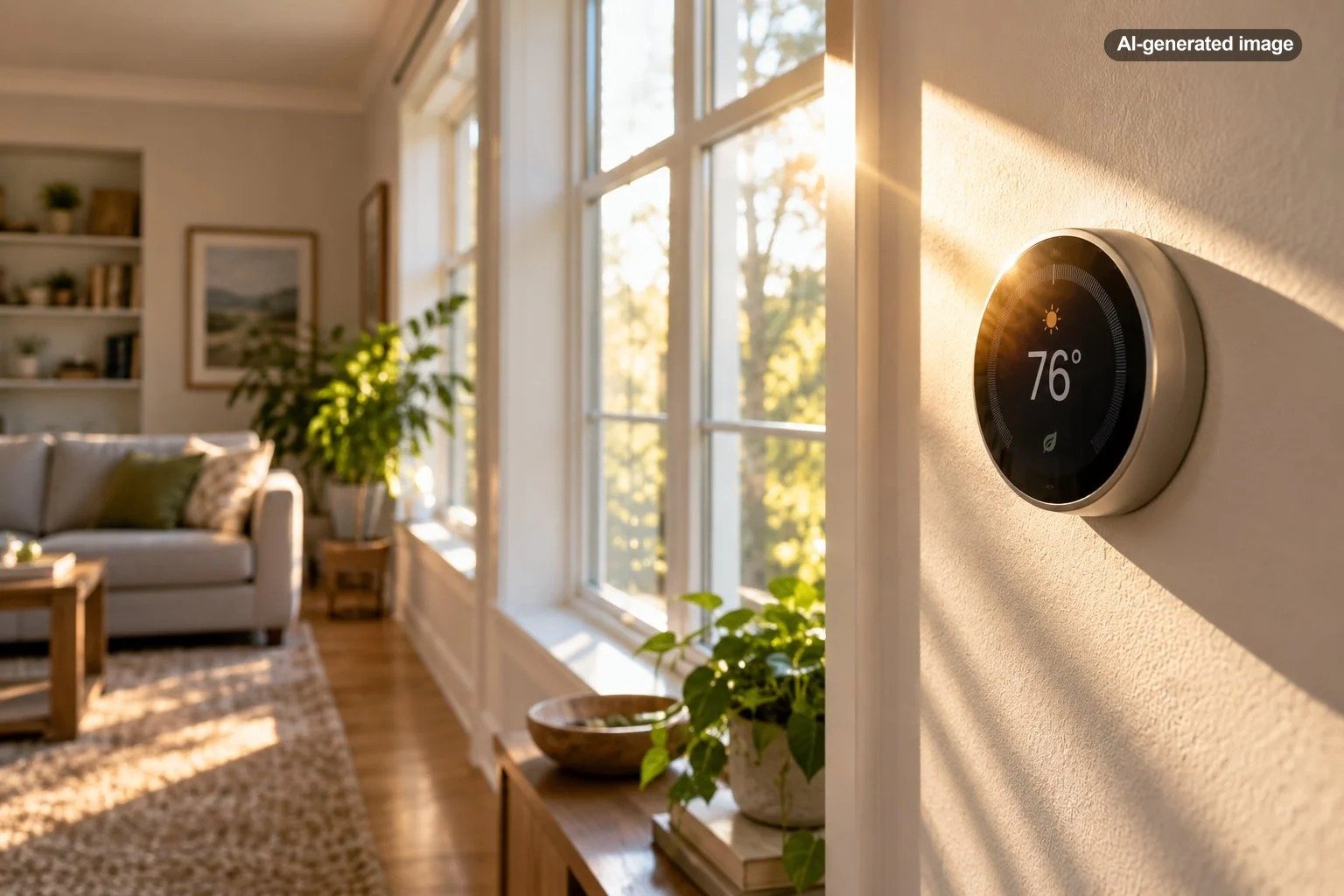
Yes. Direct sunlight can make a smart thermostat report a temperature that is warmer than the actual surrounding room air. The thermostat itself can absorb solar heat, particularly when sunlight falls directly on its face or wall location for part of the day. The result can be an HVAC system responding to the temperature around the thermostat rather than the temperature people are actually experiencing elsewhere in the room.
This is fundamentally a placement problem, not necessarily a sign that the thermostat is defective. Google specifically notes that direct sunlight can heat a thermostat’s temperature sensors enough to make the device think the room is warmer than it really is. Older ENERGY STAR guidance similarly recommends locating thermostats away from windows, skylights, drafts, registers, appliances, lighting, and direct sunlight.
Why sunlight can fool a thermostat
A thermostat is trying to measure the temperature of the air around it, but its sensor sits inside a physical device mounted to a wall. That housing can gain heat from sunlight just as furniture, flooring, and other objects do.
If the thermostat becomes warmer than the surrounding air, its internal sensor can register that local heat. During cooling season, that may encourage the system to continue cooling even though much of the house already feels comfortable. During heating season, an artificially high reading can make the thermostat delay calling for heat.
The effect can be especially noticeable when a narrow beam of morning or afternoon sun reaches the thermostat for only part of the day. A homeowner may therefore see a temperature discrepancy at 4 p.m. that disappears entirely after sunset.
A thermostat can only control the house intelligently if the temperature around the thermostat reasonably represents the space it is controlling.
Smart features do not eliminate bad placement
Wi-Fi connectivity, scheduling, occupancy sensing, and app controls do not change the basic physics of a temperature sensor. A sophisticated thermostat mounted in an unusually hot location can still receive misleading information.
Some products do have features intended to compensate for specific environmental effects. Google, for example, documents a Sunblock feature on certain Nest thermostat models. According to Google, compatible models use information from their light and temperature sensors, along with sun patterns, to compensate when direct sunlight heats the thermostat. Importantly, the feature is not available on every Nest thermostat model, so homeowners should check documentation for the exact device they own rather than assuming all smart thermostats correct for sunlight automatically.
Remote room sensors can also help certain systems manage uneven temperatures, but placement matters for those sensors too. Google advises keeping its Nest Temperature Sensor away from direct sunlight, windows, heating vents, hot water pipes, and other locations that can become substantially warmer or cooler than the room itself.
How to tell whether sunlight is causing the problem
The most useful clue is a repeatable relationship between the temperature error and sunlight. A thermostat that looks suspiciously warm every afternoon but agrees with the room temperature in the evening deserves a different investigation from one that reads incorrectly around the clock.
What to do
- Note when the discrepancy occurs. Record the thermostat reading when the room feels wrong, along with whether direct sunlight is hitting the device or nearby wall.
- Compare with another thermometer. Place a reasonably accurate indoor thermometer nearby but out of direct sunlight. Do not press it against the thermostat or wall.
- Wait for readings to stabilize. Give the comparison thermometer time to adjust rather than judging a momentary difference immediately after moving it.
- Temporarily block direct sun. If practical, use a curtain, shade, or another non-permanent method to keep sunlight off the thermostat while leaving normal room air circulation intact.
- Repeat the comparison. If the discrepancy consistently shrinks when the thermostat is shaded, its location is a plausible contributor.
A small difference between two household temperature readings does not automatically indicate a problem. The more telling pattern is a meaningful discrepancy that appears predictably when one device is exposed to a different environment than the other.
Other placement problems can look similar
Sunlight is only one reason a thermostat may report a temperature that does not match how the house feels. Before relocating equipment, consider what else is happening around that wall.
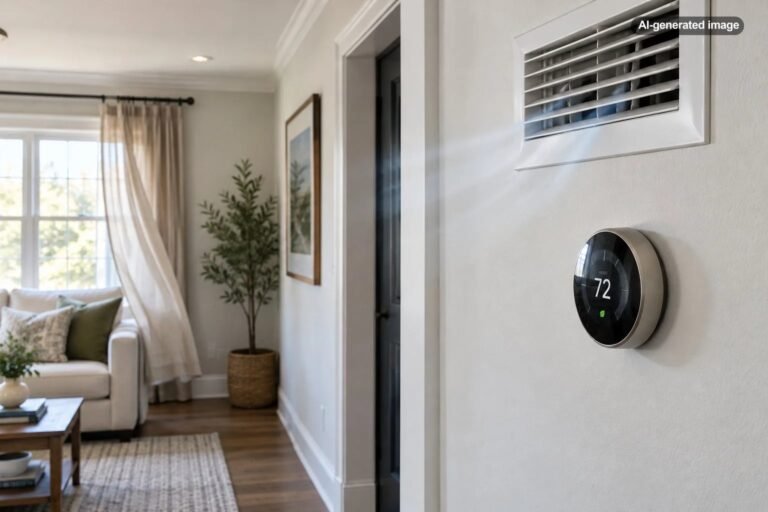
- Supply registers: Heated or cooled air blowing near the thermostat can make its immediate area different from the rest of the room.
- Exterior doors: Frequent drafts can temporarily influence the sensor.
- Windows and poorly insulated surfaces: Nearby surfaces may become substantially warmer or colder than interior walls.
- Appliances and electronics: Nearby equipment that gives off heat can create a localized warm spot.
- Wall cavities: Air movement or temperature differences behind the thermostat can sometimes influence conditions around the device.
- Room selection: A hallway may be technically convenient but may not represent a sunny living room, upstairs bedroom, or other space where comfort matters most.
ENERGY STAR has long recommended interior-wall thermostat placement away from naturally hot or cold influences such as windows, doors, vents, lighting, appliances, skylights, drafts, and direct sunlight.
Should you move the thermostat?
Possibly, but first establish that location is actually contributing to the error. Moving a thermostat can involve wiring, wall repair, system configuration, and manufacturer-specific installation requirements. It is not something to do casually merely because another wall looks more convenient.
An ideal location generally represents the occupied portion of the home without sitting in an unusual microclimate. Direct sun, strong drafts, supply air, exterior surfaces, fireplaces, and heat-producing appliances are all reasons to question a location.
If a thermostat has been in the same place for years and the temperature problem is new, placement may not be the whole story. Changes in window coverings, furniture, a remodeled doorway, HVAC airflow, a replacement thermostat, new room sensors, or even seasonal sun angles can alter what the thermostat experiences.
What if relocating the thermostat is impractical?
Start with the least disruptive fixes. Proper blinds or shades may prevent the direct beam that causes the problem without altering thermostat wiring. The goal is to stop unusual radiant heating, not to seal the thermostat inside a decorative cover that restricts normal air circulation.
If your thermostat supports compatible remote sensors, another option may be to use a better-positioned sensor during the hours when the thermostat location is least representative. Follow the manufacturer’s rules for compatible sensors, schedules, zones, and placement.
Affiliate disclosure: CraneManor.com may earn a commission when you purchase through links on this page. This does not affect the price you pay. Learn more.
If replacement is already part of the plan, a Wi-Fi-enabled thermostat can make compatible HVAC settings easier to review and adjust remotely, but a new device should not be treated as a cure for poor placement. Verify HVAC and wiring compatibility before buying or installing any thermostat.
When the problem may be more than sunlight
A thermostat reading that remains implausible when there is no direct sun deserves broader troubleshooting. The same is true if heating or cooling performance has changed substantially, the system repeatedly fails to reach its setpoint, airflow seems unusually weak, or different parts of the home have developed large new temperature differences.
Check basic items that are within the normal homeowner maintenance routine for your equipment, such as whether filters are due for attention according to the system manufacturer’s instructions and whether registers have accidentally been blocked. Avoid making major airflow changes by closing large numbers of vents, because that can affect system performance.
The best fix is a representative temperature
The important question is not whether a smart thermostat can technically compensate for every warm wall or sunny afternoon. It is whether the device is getting a temperature reading that reasonably represents the portion of the home it is supposed to control.
If sunlight is heating the thermostat, begin by confirming the timing and comparing the reading with a shaded thermometer. Then address the direct sun, review any manufacturer-specific compensation or remote-sensor options, and consider relocation only when simpler measures do not solve the problem.
A thermostat that reads the room accurately gives even ordinary HVAC equipment better information. A thermostat sitting in its own little patch of afternoon summer, by contrast, may be making perfectly logical decisions from a very misleading point of view.
Frequently asked questions
Can direct sunlight make a thermostat read too high?
Yes. Direct sunlight can heat the thermostat and its sensors above the surrounding room-air temperature, causing the displayed temperature to read artificially high.
Can sunlight make the air conditioner run too long?
It can contribute. If a thermostat believes the home is warmer than it actually is, it may continue requesting cooling. Other HVAC or airflow problems can produce similar symptoms, so look for a repeatable connection between the issue and sun exposure.
Should a thermostat be installed next to a window?
Generally, a location near a window is less desirable because windows can expose the thermostat to direct sunlight, drafts, and unusually warm or cold surfaces. Manufacturer installation instructions should govern the final location.
Will a smart thermostat automatically correct for sunlight?
Not necessarily. Some thermostats have features intended to compensate for direct sun, but availability varies by model. Check the documentation for your exact thermostat.
Can a remote temperature sensor solve the problem?
It can help on compatible systems when the sensor is placed in a representative location and configured correctly. A sensor placed in direct sunlight or next to another heat source can simply introduce a different inaccurate reading.