Can a Smart Thermostat Warn You About High Humidity While You Are Away?
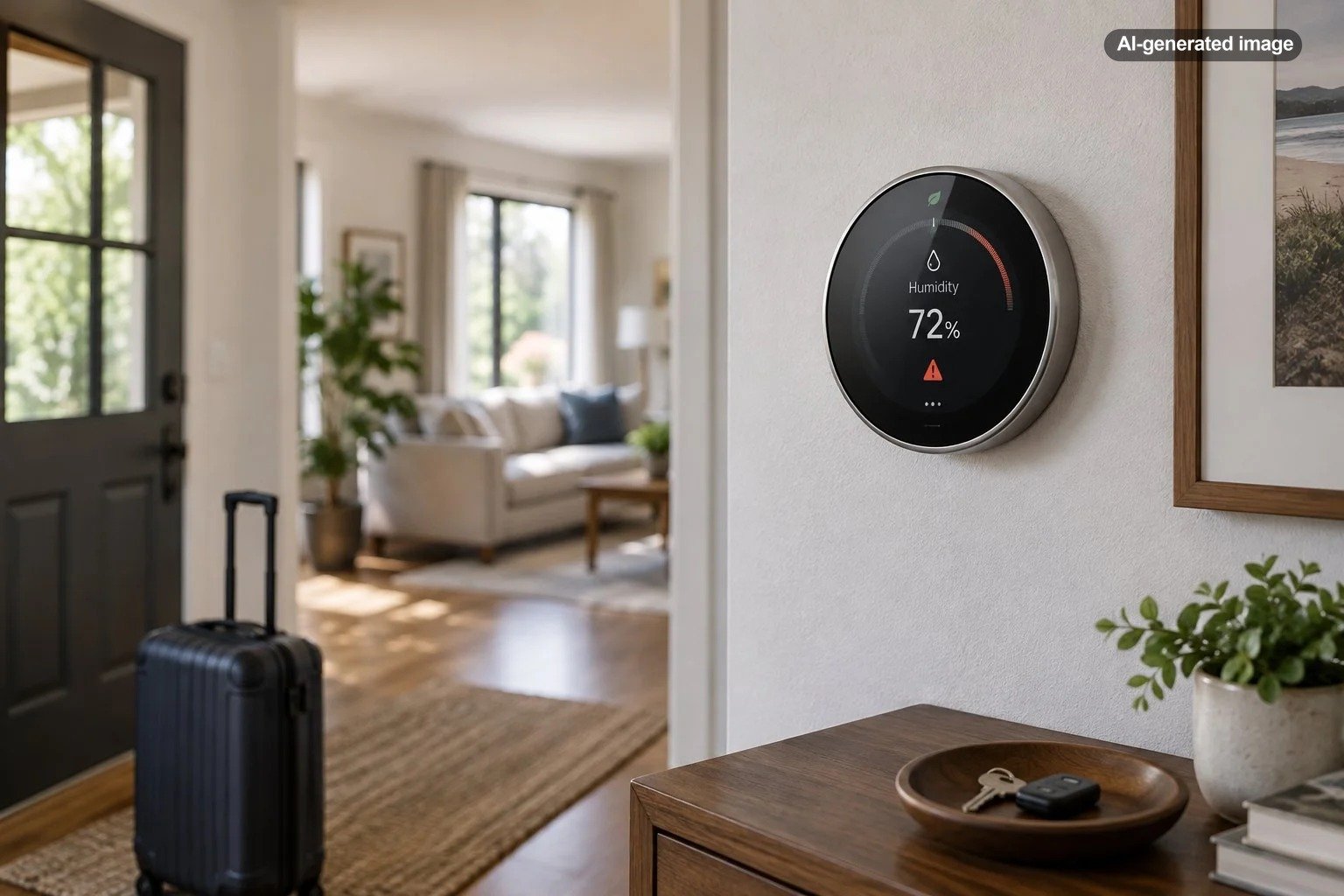
Yes, some smart thermostats can help you monitor high indoor humidity while you are away, but the word warn deserves careful attention. A thermostat may measure humidity and show the reading in its app without sending a customizable high-humidity notification. Another model may respond automatically through air conditioning or connected dehumidification equipment but still offer limited alert options.
The practical answer depends on three separate capabilities: whether the thermostat has a humidity sensor, whether its app reports that reading remotely, and whether it can notify you or control equipment when humidity crosses a threshold. Those features should be verified for the exact thermostat model, app version, and HVAC configuration before you rely on them during a trip.
Monitoring, warning, and controlling are different jobs
Humidity features are often described together even though they do different things. Monitoring means the thermostat senses relative humidity. Remote access means you can open an app and see the reading from elsewhere. Alerting means the system proactively sends a push notification, email, or other message. Control means it can operate compatible cooling or dehumidification equipment.
| Capability | What it does | What to verify |
|---|---|---|
| Humidity sensing | Measures relative humidity near the thermostat | Whether the exact model includes a humidity sensor |
| Remote viewing | Shows current conditions in an app | Whether humidity, rather than temperature alone, appears remotely |
| High-humidity alert | Sends a message when a threshold is reached | Whether the threshold is adjustable and notifications must be enabled |
| Humidity control | Runs compatible cooling or dehumidification equipment | Supported equipment, wiring, settings, and operating limits |
This distinction prevents a common disappointment: buying a thermostat with a humidity sensor and assuming that it will behave like a dedicated environmental alarm. A sensor supplies data, but the manufacturer still has to build notification and automation features around that data.
What a thermostat may do when humidity rises
A compatible system may simply display the current relative humidity, automatically run cooling to remove some moisture, or control a connected whole-home dehumidifier. The available response depends on both the thermostat and the HVAC equipment.
For example, Google documents humidity sensors in the Google Nest Thermostat, while its Cool to Dry feature is documented for supported Nest Learning Thermostat generations and the Nest Thermostat E. Cool to Dry can use compatible air conditioning or heat-pump operation to address excessive humidity, but its behavior and settings vary according to the thermostat and whether the HVAC system has a dedicated dehumidification mode.
That is why model names matter. Products within the same brand family may have different terminals, software options, and humidity-control abilities. Even a capable thermostat cannot operate equipment that is absent, unsupported, incorrectly configured, or incompatible with its wiring.
Can it alert you while the house is vacant?
Possibly, provided the thermostat supports humidity notifications and remains connected. Before leaving, check the app’s notification settings rather than assuming that a visible humidity reading will produce an alert. Look for a specific humidity, indoor climate, home health, or environmental notification setting.
Also check whether alerts use a fixed manufacturer threshold or a level you can choose. A fixed warning can still be useful, but it may not match the level at which you want to investigate conditions in a humid climate, a seasonal home, or a property with moisture-sensitive finishes and belongings.
What can interrupt remote warnings
Remote monitoring depends on more than the thermostat. The device generally needs electrical power, a functioning home network, internet service, an active account connection, and permission to send notifications to your phone. A router outage or disabled phone notification can break the chain even while the HVAC system continues operating locally.
Google notes, for example, that its temperature-based Safety Temperature notifications require active home Wi-Fi and internet service. That documentation concerns temperature protection rather than a general humidity alarm, but it illustrates an important limitation shared by cloud-connected monitoring: local control and remote messaging are not necessarily the same thing.
How to prepare the system before a trip
What to do
- Confirm the reading. Compare the thermostat with a separate humidity meter placed nearby. Small differences are normal, but a large persistent gap deserves investigation.
- Test remote access. Turn off Wi-Fi on your phone and confirm that the thermostat and humidity information remain visible through cellular data.
- Review notifications. Enable relevant app and phone permissions, then confirm whether the thermostat actually offers a humidity threshold alert.
- Check away settings. Make sure an energy-saving or vacation mode will not allow indoor conditions to drift beyond what is appropriate for the home.
- Inspect routine trouble spots. Look for active leaks, standing water, blocked return vents, dirty filters, and obvious condensate-drain problems before departure.
- Arrange a backup. For a long absence or moisture-sensitive property, give a trusted person access and a clear plan for responding to an alert.
The U.S. Environmental Protection Agency advises keeping indoor relative humidity below 60 percent and ideally between 30 and 50 percent when possible. That is useful general moisture-control guidance, not a universal thermostat setting. Climate, outdoor temperature, building construction, condensation risk, HVAC design, and occupancy all affect an appropriate target.
Choosing a thermostat for remote humidity awareness
If humidity oversight is a priority, evaluate the feature as a complete chain rather than checking only for a sensor. Confirm that the app displays humidity remotely, determine whether alerts are supported, read the notification conditions, and verify how the thermostat works with the home’s equipment.
Compatibility deserves particular care. Thermostats differ in their support for heat pumps, multistage systems, zone controls, accessory dehumidifiers, and common-wire arrangements. If wiring labels or equipment functions are unclear, have a qualified HVAC professional verify them rather than experimenting at the control board.
Affiliate disclosure: CraneManor.com may earn a commission when you purchase through links on this page. This does not affect the price you pay. Learn more.
Homeowners who want app-based temperature control can consider a compatible smart thermostat, such as the Google Nest Thermostat. Verify the exact HVAC wiring and feature set before purchasing or installing it, particularly if humidity alerts or direct dehumidifier control are essential requirements.
When a separate humidity monitor makes sense
A dedicated Wi-Fi humidity sensor can complement a thermostat when you need adjustable alerts or coverage in several locations. This can be especially useful in a basement, vacation home, music room, storage area, or other space whose conditions differ from the thermostat’s hallway or living-room location.
Redundancy also helps distinguish a house-wide pattern from a localized problem. If the thermostat and multiple room sensors rise together, outdoor humidity, ventilation, or HVAC operation may be involved. If only one sensor rises, investigate that room for a leak, condensation, a closed vent, or another local moisture source.
Frequently asked questions
Will a smart thermostat lower humidity by itself?
Not necessarily. It needs compatible cooling or dehumidification equipment, appropriate wiring, and supported control features. Running an air conditioner can remove moisture, but thermostat software may limit overcooling and equipment runtime.
Should the air conditioner be turned off while the house is vacant?
In a warm, humid climate, turning cooling off completely can allow heat and moisture to build. A sensible away setting depends on the home, climate, equipment, and moisture history. Ask an HVAC professional for property-specific guidance if the home has recurring humidity problems.
Does one high reading mean there is mold?
No. A brief elevated reading does not diagnose mold or identify its cause. Persistent high humidity, musty odors, condensation, visible water, staining, or damp materials justify closer investigation.
What should I do if humidity rises while I am away?
Check temperature, system status, recent weather, and readings from any secondary sensors. If the level remains high or there may be a leak or equipment problem, ask a trusted local contact or qualified professional to inspect the property rather than relying only on remote thermostat changes.