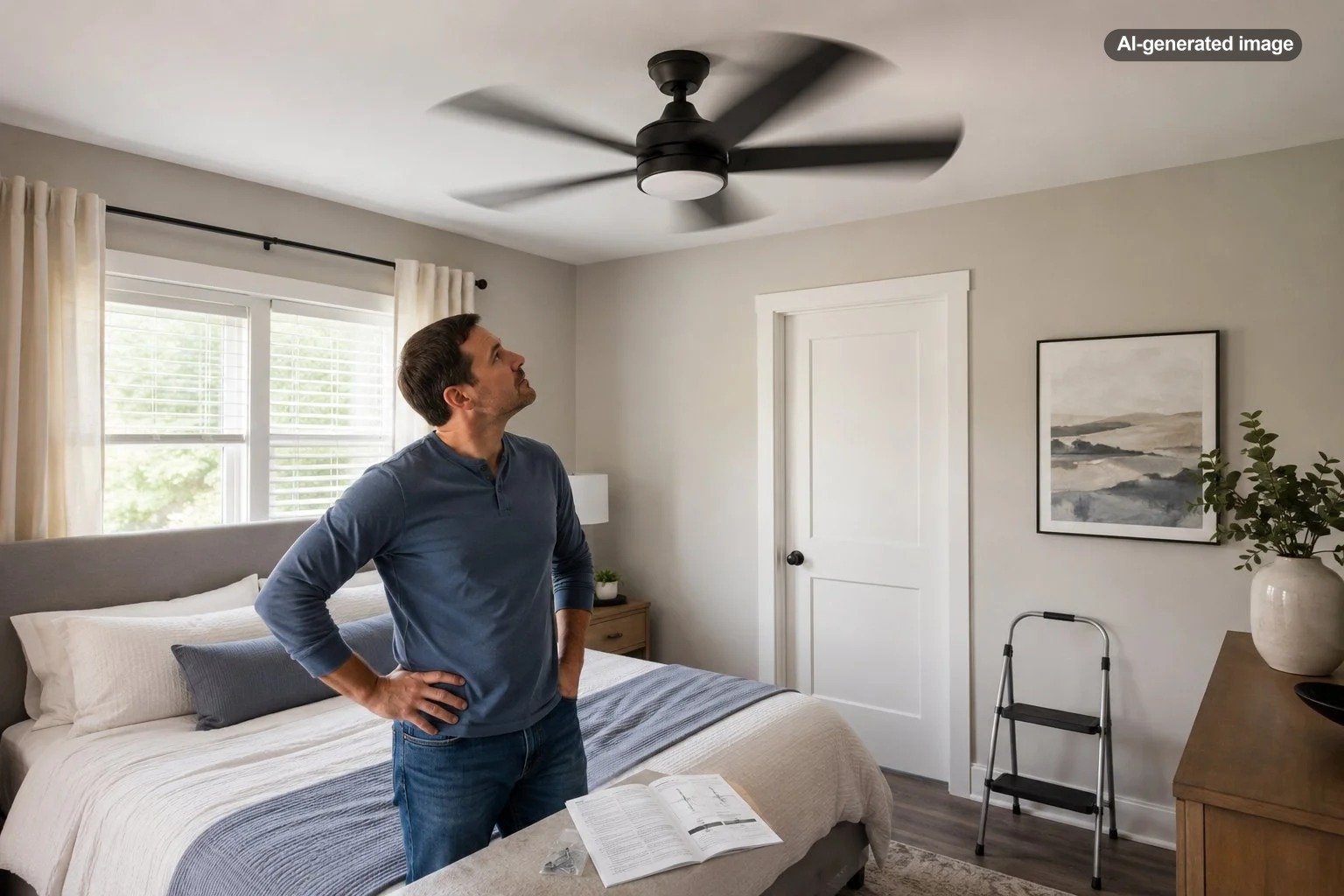
Why Does My Ceiling Fan Hum Even When It Is New?
A brand-new ceiling fan can hum for reasons that have little to do with its age. The sound may come from a loose component, a wall control that is not designed for the fan, vibration transferring into the ceiling, or an electronic receiver inside a remote-controlled model. Some low-level motor sound can also be more noticeable in a very quiet room, but persistent, loud, changing, or electrical-sounding noise deserves a closer look.
The useful question is not simply whether the fan is new. It is what kind of hum you hear, when it occurs, and whether anything else changes with it. A fan that hums only on one speed suggests a different problem from a fan that buzzes even while the blades are stationary.
Why a new ceiling fan can hum
Installation introduces several places where vibration or electrical noise can appear even when every component is fresh from the box. The motor naturally creates movement, and that movement can become audible if a canopy, blade holder, light-kit piece, decorative cover, or other part is able to resonate against another surface.
Manufacturers also caution that electrical buzzing or humming can be associated with fan controls and receivers. Hunter, for example, notes that solid-state variable-speed controls can produce humming and that a defective or incompatible control receiver can also create noise. Because control systems vary by model, the fan’s own manual should be the deciding reference for approved controls and troubleshooting steps.
First, identify when the hum happens
A little observation can narrow the possibilities before anyone removes a canopy or touches wiring. Run the fan only if there are no warning signs, and listen from a normal position in the room rather than standing immediately beneath the motor.
| What you notice | What it may point toward | Sensible next step |
|---|---|---|
| Hum changes with fan speed | Motor vibration, control behavior, or a resonating component | Check accessible hardware and confirm the control is approved for the fan |
| Hum appears only with a wall speed control | Control compatibility | Compare the wall control with the fan manufacturer’s requirements |
| Hum comes from the canopy area | Receiver, mounting, or vibration near the ceiling | Consult the model manual; have wiring-related concerns evaluated professionally |
| Hum is accompanied by clicking | Loose blade or blade-holder hardware may be involved | With power off, check only the accessible fasteners specified by the manual |
| Hum is accompanied by crackling, sizzling, odor, or visible damage | Possible electrical fault | Turn off power and stop using the fan |
Check for loose parts before assuming the motor is defective
A newly assembled fan contains many joints: blade screws, blade holders, light-kit components, glass shades, decorative trim, canopy pieces, and mounting hardware. One slightly loose piece can turn ordinary motor vibration into a noticeable drone or buzz.
Hunter specifically identifies loose blade or blade-holder screws as a common source of clicking. While clicking and humming are not identical sounds, the same basic principle applies: a moving fan can amplify vibration through hardware that is not seated correctly. Follow the model manual rather than tightening every visible screw indiscriminately, since different assemblies use different hardware and fastening methods.
What to do
- Turn the fan off and allow the blades to stop completely.
- Shut off power before performing any inspection that the manufacturer’s instructions say requires it.
- Check accessible blade, blade-holder, light-kit, shade, and decorative components according to the manual.
- Look for a piece that is touching another part when it should have clearance.
- Restore power only after everything is reassembled as specified.
- Listen again and note whether the sound has changed.
Pay close attention to the wall control
A ceiling fan should not automatically be treated like a light fixture when choosing a wall control. A control intended for lighting can interact differently with a fan motor than a dedicated fan-speed control. This is especially worth checking when a new fan hums immediately after being connected to an existing wall control.
Lutron’s documentation for its dedicated ceiling-paddle-fan control specifically describes the product as engineered for quiet fan operation and contrasts that behavior with motor hum associated with standard dimmers. That does not mean a particular Lutron control is correct for every fan. It illustrates the larger point: the control and fan need to be compatible as a system.
The remote receiver may be the source
Many newer ceiling fans use a receiver tucked inside or near the canopy to communicate with a handheld remote or wall transmitter. That receiver adds electronics to the system, and manufacturers recognize it as one possible source of buzzing or humming.
If the noise seems strongest near the canopy and the fan is remote-controlled, consult the model-specific troubleshooting instructions before changing components. Hunter advises verifying that a control system is compatible with the particular fan model and notes that a defective receiver can create humming. Because the receiver sits among electrical connections, replacement or rewiring is not a good place for guesswork.
Consider how vibration is reaching the ceiling
Sometimes the motor is not unusually loud; the room is simply helping you hear it. A rigid mounting point can transmit vibration into a ceiling or framing member, where a soft mechanical hum becomes much more noticeable. A loose canopy or component can add its own resonance.
This is one reason the character of the noise matters. A steady low hum that tracks motor speed is different from intermittent rattling, scraping, clicking, or crackling. Avoid trying to solve an unknown noise by adding improvised padding, washers, lubricants, or other materials unless the fan manufacturer specifically calls for them. Altering the mounting assembly can create a new problem rather than correcting the original one.
A new fan is not automatically a quiet fan, but a persistent noise should have an identifiable mechanical or electrical explanation.
Give the installation a short settling period only when nothing suggests danger
Some retailers and installers note that a newly installed fan may sound slightly different during its first days of operation as components settle. That possibility can be reasonable when the fan is operating normally and the sound is mild, stable, and purely mechanical.
It should not be used to dismiss an electrical-sounding buzz, worsening noise, overheating, erratic speed behavior, visible damage, odor, crackling, or sizzling. Those symptoms call for a different response.
Know the warning signs that change the plan
Noise troubleshooting stops being a comfort issue when there are signs of a possible electrical fault. Hunter instructs users to turn off power immediately if crackling or sizzling is present and recommends a certified electrician for repairs involving wiring. That is an appropriate boundary for a homeowner or renter who cannot confirm the cause from the manufacturer’s normal inspection steps.
If the fan is newly purchased and appears defective, also check the exact model against current manufacturer notices and the U.S. Consumer Product Safety Commission recall database. Recall information can change as new notices are issued, so it is better to verify the model directly than to assume a new product cannot be affected.
What not to do
Do not keep running a suspicious fan for hours simply to see whether the noise disappears. Do not substitute an unapproved wall control because it happens to fit the electrical box. Do not open a receiver, capacitor, motor housing, or wiring compartment unless the manufacturer’s instructions explicitly call for that work and you are qualified to perform it.
It is also wise to resist replacing random parts. A hum related to a wall control will not necessarily be cured by changing the motor, and a canopy vibration will not be solved by replacing a remote. Diagnosis should move from the least invasive observations toward model-specific technical support or professional inspection.
A practical troubleshooting order
Before you decide
- Identify whether the sound is a hum, buzz, rattle, click, scrape, crackle, or sizzle.
- Note whether it changes at low, medium, and high speed.
- Determine whether the sound is strongest at the motor housing, canopy, blades, or light kit.
- Confirm that the wall control or remote system is listed as compatible in the fan’s documentation.
- With power safely off, inspect only accessible hardware and components covered by the manual.
- Stop if the problem points toward wiring, an internal electrical component, overheating, or other warning signs.
If the hum disappears after an accessible loose part is corrected, the issue was likely vibration rather than a defective motor. If it remains unchanged and the fan uses an electronic controller or receiver, compatibility and component troubleshooting move higher on the list. If the fan is wired to a control that is not approved for it, correct control selection should be addressed before judging the motor itself.
Frequently asked questions
Is a slight hum normal in a new ceiling fan?
A faint motor sound can be noticeable in a very quiet room, but there is no universal noise level that can be declared normal for every model. If the sound is distracting, changes over time, or comes with other symptoms, consult the manufacturer’s troubleshooting guidance.
Can a dimmer switch make a ceiling fan hum?
Yes, control type can affect fan noise. Dedicated fan controls are designed differently from ordinary lighting dimmers, and manufacturers may specify exactly which control types are compatible with a particular fan. Check the fan manual before changing the control.
Why does my fan hum more on one speed?
A speed-dependent hum can point toward the interaction among the motor, speed-control electronics, receiver, or vibration of a component at a particular operating frequency. The exact cause cannot be diagnosed from sound alone, so use the model’s troubleshooting sequence.
Should I return a new ceiling fan because it hums?
Not necessarily. First rule out straightforward installation and control issues using the manufacturer’s instructions. If the fan still produces abnormal noise after those checks, contacting the manufacturer or retailer about the specific model is more useful than continuing to disassemble it.
When should I call an electrician?
Bring in a qualified electrician when the issue involves wiring, repeated breaker trips, suspicious electrical noise, overheating, burning odor, visible electrical damage, or any situation in which the installation cannot be safely verified. Manufacturer troubleshooting material should supplement, not replace, appropriate electrical expertise.