What Should You Check Before Buying a Smart Thermostat?
Before buying a smart thermostat, check your HVAC system before you compare apps, finishes, voice assistants, or clever scheduling features. The most important questions are whether the thermostat can control your specific heating and cooling equipment, whether your existing wiring can power it properly, and whether installation is straightforward for your home.
A smart thermostat can add convenient scheduling and remote control, but the word smart does not make every model interchangeable. Heat pumps, conventional furnaces and air conditioners, boilers, multi-stage equipment, and zoned systems can have different control requirements. Even two houses with similar-looking thermostats may have very different wiring behind the wall.
Start with your heating and cooling system
The thermostat needs to match the equipment it will control. Before shopping, identify whether your home uses a conventional furnace and air conditioner, a heat pump, boiler or radiant system, or another configuration. Also note whether you have more than one stage of heating or cooling and whether different parts of the house are controlled as separate zones.
ENERGY STAR specifically advises homeowners to make sure a smart thermostat is compatible with their heating and cooling system before purchase. This matters because some high-efficiency or specialized systems use controls that are not equivalent to ordinary thermostat wiring. A thermostat that works beautifully with a basic forced-air system may not provide the right controls for a more specialized installation.
Look at the existing thermostat wires before ordering
Your current thermostat is one of the most useful clues to compatibility. With HVAC power safely turned off according to the manufacturer’s instructions, the wire labels at the thermostat can help determine what kind of controls your system uses. Taking a clear photograph before disconnecting anything gives you a reference for both compatibility checking and installation.
Do not rely only on wire colors. The terminal labels and the way the system is actually connected are more important. Google Nest, for example, instructs prospective users to identify the wires connected to the current thermostat and enter those wires into its compatibility checker. Its support documentation also notes that wire identification can become more complicated when terminals have two labels, labels are missing, or the system uses unusual controls.
If your thermostat has unfamiliar terminals, proprietary-looking connections, or only a small number of wires despite sophisticated HVAC equipment, verify the configuration before buying. A qualified HVAC professional can identify the equipment and control setup when the wiring is unclear.
Find out how the thermostat will be powered
Smart thermostats need electrical power for their display, processor, wireless connection, and other electronics. Depending on the thermostat and HVAC system, that power may be supplied through existing thermostat wiring or may require a common wire, usually called a C wire, or another manufacturer-approved power solution.
The presence or absence of a C wire should therefore be part of your pre-purchase check, not a surprise discovered after the thermostat arrives. Google notes that some Nest installations may require a C wire or a Nest Power Connector, and certain zoned systems can have additional power requirements. Other thermostat brands have their own requirements, so use the instructions for the exact model you intend to install.
Decide which smart features actually matter to you
Once compatibility is settled, compare the features that will affect daily use. Smart thermostats commonly offer some combination of scheduling, remote adjustments from an app, occupancy-based controls, geofencing, humidity information, additional room sensors, and integrations with other connected-home systems. ENERGY STAR’s current certified-product database shows that feature sets vary considerably among models.
Remote access is valuable for someone who travels, manages irregular schedules, or simply wants to check the thermostat without walking across the house. A conventional programmable schedule may be enough for a household with predictable routines. Additional room sensors can be useful when one area tends to run warmer or cooler than the thermostat location, but you should verify exactly what a particular thermostat can do with those sensors rather than assuming they provide full zoning.
| Feature | Most useful when | Check before buying |
|---|---|---|
| App control | You want to adjust settings remotely | Phone compatibility, account requirements, and Wi-Fi needs |
| Scheduling | Your household follows recurring routines | How easily schedules can be changed or overridden |
| Occupancy or geofencing | Your schedule changes frequently | How presence detection works and which permissions it uses |
| Room sensors | Temperatures vary significantly between rooms | Sensor compatibility and what the thermostat does with sensor data |
| Smart-home integration | You already use a connected-home platform | Current platform and device compatibility |
Check your Wi-Fi and account requirements
A smart thermostat should still be a good thermostat even when its most connected features are not the center of attention. Before purchase, check what network connection the model requires, where your router sits in relation to the thermostat, and what happens to ordinary heating and cooling control if your internet connection is interrupted.
Also review the manufacturer’s current app and account requirements. If several household members need control, find out how access is shared. If you prefer minimal cloud dependence, compare products with that preference in mind rather than discovering after installation that the features you bought depend heavily on an account or online service.
The best smart thermostat is not the one with the longest feature list; it is the one that fits your HVAC system and makes the controls you actually use easier.
Think about installation before you buy
Some thermostat replacements are relatively direct because the existing system uses clearly identified, compatible low-voltage wiring. Others are not. A missing power wire, proprietary control system, zone panel, unusual heat-pump configuration, or poorly labeled older installation can turn what looked like a simple device swap into a job requiring additional evaluation.
Manufacturer installation instructions should determine whether a project is appropriate for DIY installation. Turn off power as directed before removing or connecting thermostat wiring. If the instructions do not match what you find at the wall, or if identifying the HVAC controls requires opening equipment you are not qualified or comfortable working around, stop and call a qualified professional.
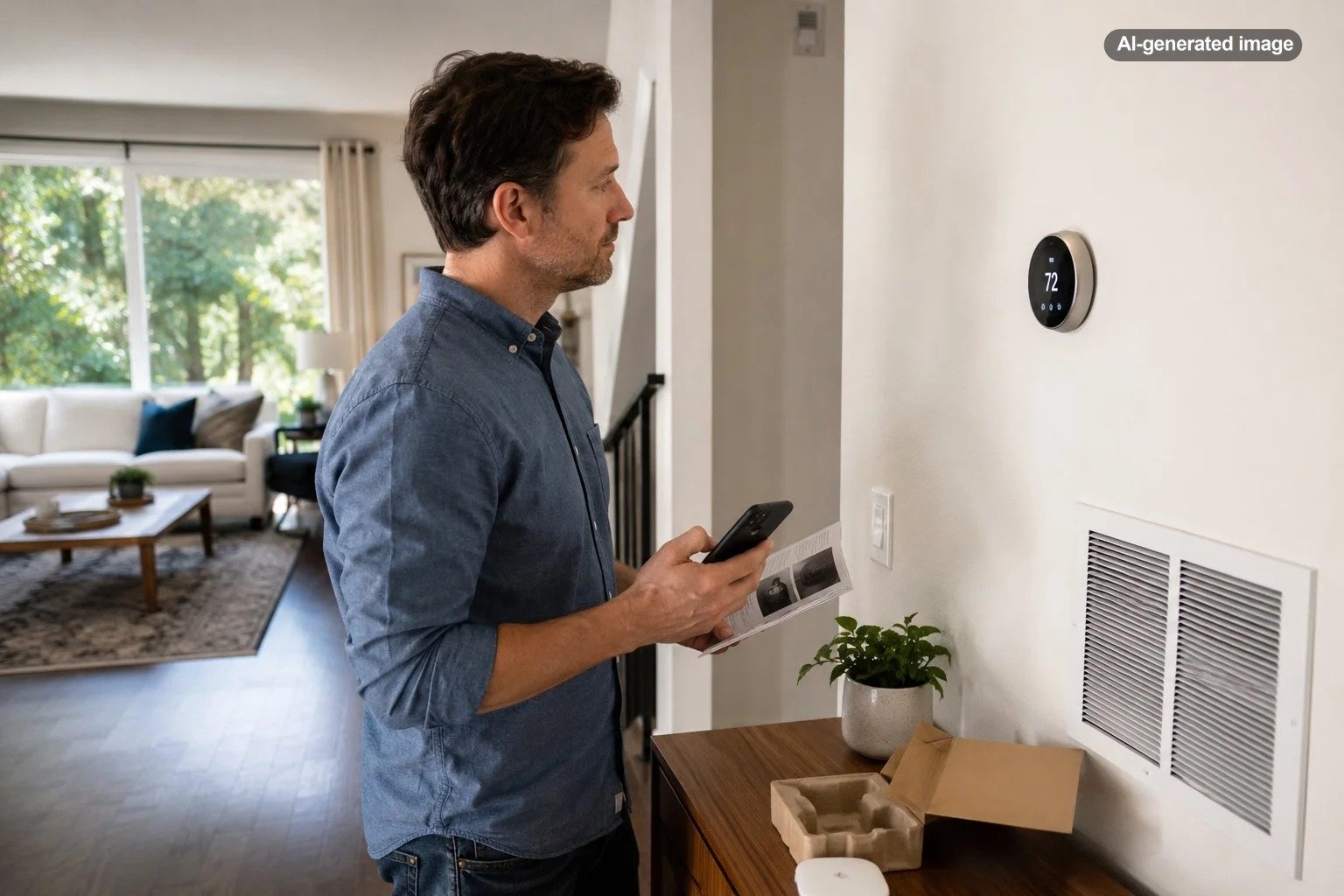
One product that may fit some compatible systems is the Google Nest Thermostat. Its usefulness depends on the HVAC and wiring configuration, so compatibility should be verified before purchase rather than assumed.
Affiliate disclosure: CraneManor.com may earn a commission when you purchase through links on this page. This does not affect the price you pay. Learn more.
If the system passes the manufacturer’s compatibility checks, a programmable smart thermostat can make it easier to review or adjust compatible HVAC settings remotely. That convenience should not be interpreted as universal compatibility or guaranteed energy savings; the equipment, wiring, household schedule, and thermostat settings all matter.
Do not buy primarily on promised savings
Thermostat scheduling can reduce unnecessary heating or cooling when conditions and household routines allow it, but savings are not automatic simply because a thermostat connects to Wi-Fi. The U.S. Department of Energy explains that programmable thermostat setbacks can reduce heating and cooling use in appropriate circumstances. The practical benefit depends on how the system operates and how the household uses the controls.
ENERGY STAR certification can be a useful comparison point when energy performance matters. ENERGY STAR certified smart thermostats are evaluated under the program’s requirements, and the agency maintains a searchable database of certified models. Certification still does not replace the compatibility check for your own HVAC system.
Make a short pre-purchase checklist
Before you decide
- Identify your heating and cooling system type.
- Check whether the system is conventional, heat pump, multi-stage, or zoned.
- Photograph and record the labels on the wires connected to the existing thermostat.
- Use the exact thermostat manufacturer’s compatibility checker or documentation.
- Confirm C-wire or other power requirements.
- Review Wi-Fi, app, account, and smart-home platform requirements.
- Choose features based on your household routine rather than the longest specification list.
- Read the installation instructions before buying so you know whether professional help may be appropriate.
A little investigation before checkout can prevent the most common kind of smart-home disappointment: buying an impressive device that is not a clean match for the house. Start with the HVAC system, wiring, and power requirements. Once those boxes are checked, you can choose the interface and connected features that make everyday temperature control more convenient.
FAQ
Do all smart thermostats need a C wire?
No. Power requirements vary by thermostat and HVAC configuration. Some installations work without a dedicated C wire, while others require one or a manufacturer-approved power accessory. Check the documentation for the exact thermostat and system combination.
Can I tell compatibility from my old thermostat’s brand?
Not reliably. The connected wire labels, HVAC equipment type, staging, zoning, and control system provide more useful compatibility information than the old thermostat’s brand alone.
Is a smart thermostat worth buying if I only want scheduling?
It can be, but a simpler programmable thermostat may also meet that need. Compare the convenience of remote control and automation with the added setup, connectivity, and account requirements of a smart model.
Should I install a smart thermostat myself?
Follow the manufacturer’s installation guidance for the exact thermostat and HVAC system. If your wiring is unclear, the compatibility instructions do not match your system, or the work requires HVAC control-board changes, a qualified professional is the sensible next step.