Why Does My Smart Thermostat Change the Temperature by Itself?
If your smart thermostat keeps changing the temperature after you set it, the thermostat is not necessarily malfunctioning. In many cases, it is following a schedule, occupancy setting, energy-saving mode, learning feature, automation, or another control that has permission to override your manual adjustment.
The fastest way to solve the mystery is to determine what changed the setpoint and when. A temperature change at the same time every day points toward a schedule. A change shortly after everyone leaves may indicate occupancy or away detection. A thermostat that repeatedly returns to a preferred temperature may be using learning or optimization features.
Start with the temperature schedule
A programmed schedule is one of the most common reasons a smart thermostat appears to have a mind of its own. Smart thermostats are designed to change settings automatically at different times of day, and some models can maintain separate schedules for heating and cooling modes.
Look through the entire schedule rather than checking only the current period. A forgotten weekday setting, weekend schedule, sleep period, or seasonal program can override a temperature you entered manually. Also check whether your manual adjustment is temporary. Some thermostats resume the programmed schedule at the next scheduled temperature change unless you specifically choose a hold option.
Google’s documentation for Nest thermostats, for example, explains that scheduled temperatures can resume after manual changes and that heating and cooling modes may have their own schedules. The terminology varies by manufacturer, but the principle is common: a manual adjustment does not always mean the schedule has been canceled.
What to check first
- Open the thermostat app and review every scheduled temperature for the current day.
- Check the schedule for other days, especially weekends.
- Confirm whether the thermostat is in Heat, Cool, or Heat-Cool mode.
- Look for a temporary hold, permanent hold, or hold-until option.
- Note the exact time the unwanted change occurs and compare it with the schedule.
Check Eco, away, and occupancy settings
Smart thermostats can use occupancy information to reduce heating or cooling when they believe nobody is home. Depending on the system, that information may come from a thermostat motion sensor, other connected devices, or the location of household phones.
ENERGY STAR notes that common smart-thermostat features include geofencing and occupancy-related adjustments. These features can be convenient, but they also create an obvious source of unexplained temperature changes if the system incorrectly concludes that the house is empty.
Check whether your thermostat has a setting called Eco, Away, Home/Away, Presence Sensing, Geofencing, Occupancy, or something similar. Then review which phones and devices are allowed to determine whether someone is home.
Your thermostat may be learning from you
Some smart thermostats can learn from repeated manual adjustments and use those patterns to modify future operation. That can make a thermostat feel unpredictable when the feature was enabled months ago and then forgotten.
Google documents learning and Smart Schedule features on certain Nest models that can use temperature adjustments and other signals to modify or optimize schedules. Other manufacturers use their own names and methods, so check the documentation for your exact model rather than assuming all smart thermostats behave alike.
If you prefer a thermostat that follows only the schedule you explicitly create, look for settings related to learning, automatic scheduling, optimization, or suggested schedule changes. Disabling those features may make operation more predictable, although it can also remove some of the automation you originally bought a smart thermostat to provide.
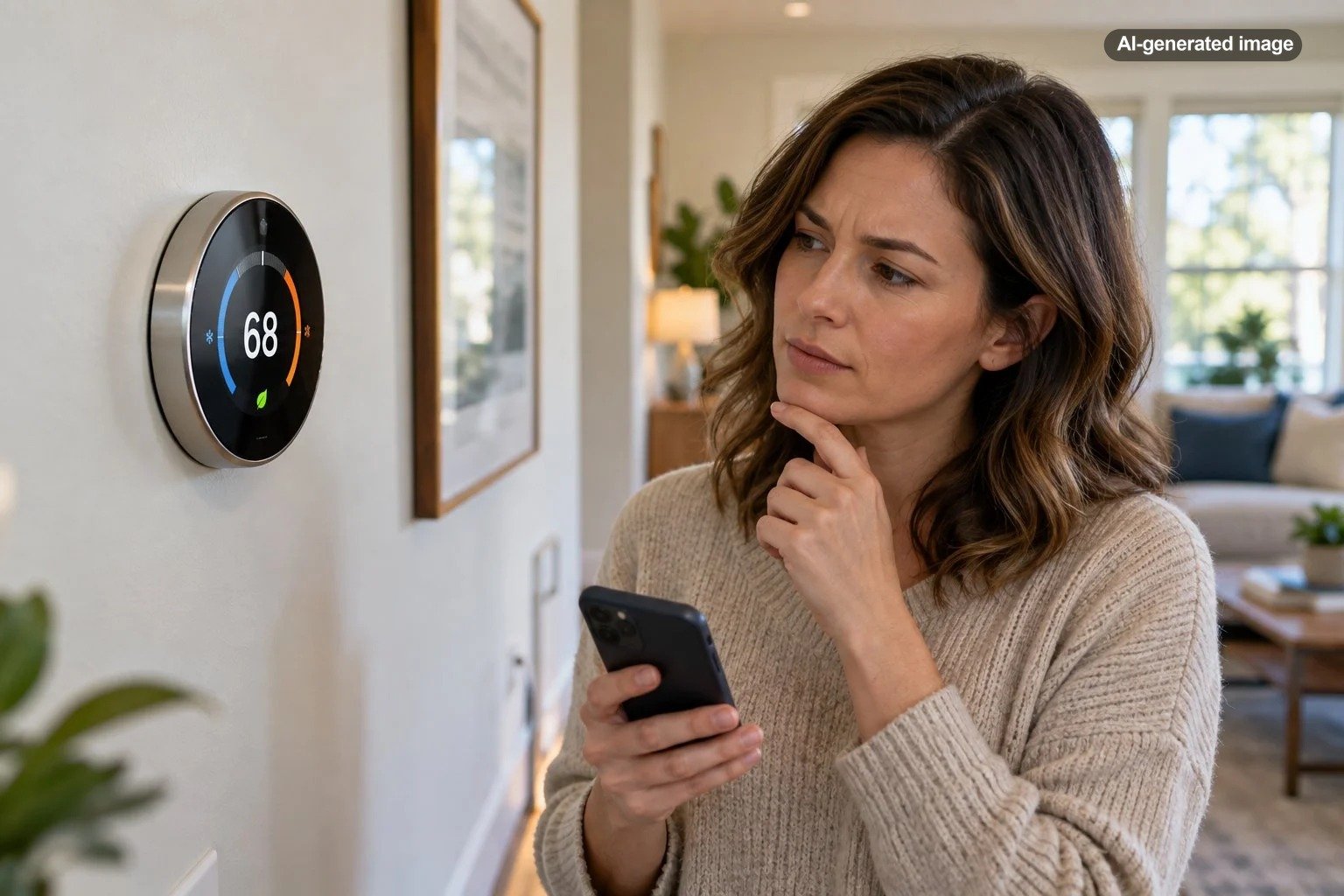
A smart thermostat is easiest to understand when you know which settings are allowed to override your manual changes.
Look for automations outside the thermostat
The thermostat’s own app is not always the only place capable of changing it. A smart-home platform, voice assistant, routine, household automation, utility program, or another authorized user may also have control.
Review your smart-home routines for instructions tied to bedtime, waking, leaving home, arriving home, security modes, or specific times. Then check which household members have access to the thermostat. A perfectly legitimate adjustment from another person’s phone can look like an unexplained automatic change when you do not know it happened.
Understand the difference between set temperature and room temperature
Before changing settings, make sure the thermostat is actually changing its setpoint. The room temperature displayed on the screen naturally rises and falls as the HVAC system cycles, outdoor conditions change, sunlight enters the house, appliances operate, and people move through the space.
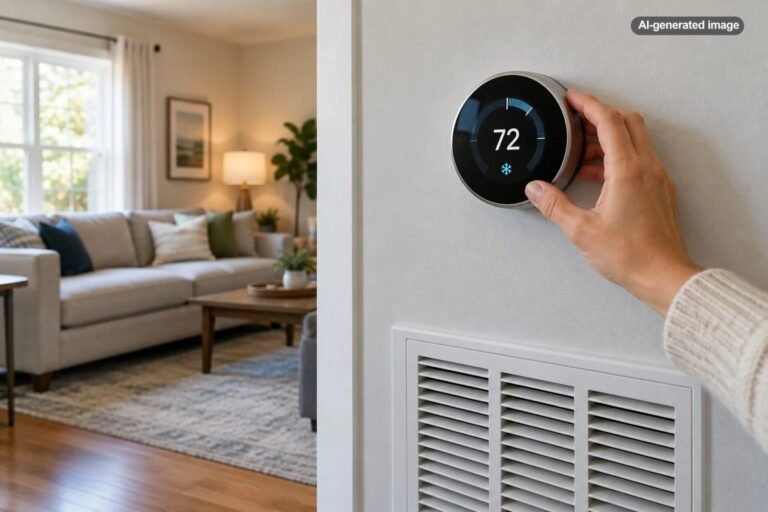
If you set the thermostat to 72 degrees and the screen still shows a 72-degree target while the measured room temperature drifts, that is a different issue from the thermostat changing the target to 76 degrees on its own. The first situation may involve normal cycling, sensor placement, HVAC performance, or another system issue. The second points more directly toward programming or thermostat control.
Check temperature sensors and active rooms
Some systems can use remote temperature sensors placed in bedrooms, living spaces, or other parts of the house. If the thermostat changes which sensor it prioritizes during the day, the HVAC system may operate differently even though your preferred comfort setting seems unchanged.
Review any sensor schedule and determine which room is controlling the system at the time you notice the problem. This is especially useful in homes where upstairs bedrooms, sunny rooms, additions, or home offices routinely differ from the temperature near the main thermostat.
Restarting is reasonable, but resetting everything usually is not the first step
If the schedule and automation settings look correct, follow the manufacturer’s instructions for restarting the thermostat. A restart can be a reasonable troubleshooting step, but a factory reset is much more disruptive because it may erase schedules, network settings, equipment configuration, and other preferences.
Do not guess at HVAC wiring or equipment configuration simply because the thermostat behaves unexpectedly. Smart thermostats must be compatible with the heating and cooling equipment they control, and ENERGY STAR advises homeowners to verify system compatibility when choosing one.
Affiliate disclosure: CraneManor.com may earn a commission when you purchase through links on this page. This does not affect the price you pay. Learn more.
If replacement is already necessary for unrelated reasons, a compatible smart thermostat such as the Google Nest Thermostat is one available option. Compatibility should be confirmed for your specific HVAC system and wiring before purchase or installation; no smart thermostat is universally suitable for every system.
When the thermostat may not be the real problem
Call a qualified HVAC professional when the issue goes beyond an unexplained programmed setpoint. Examples include heating or cooling that continues when the thermostat indicates it should be off, equipment that repeatedly short-cycles, a thermostat that loses power, unusual HVAC noises or odors, suspected wiring problems, or a system that cannot maintain reasonable indoor temperatures.
A simple way to isolate the cause
For a day or two, simplify the thermostat’s behavior. Record the time of each unexplained setpoint change and compare it with schedules, occupancy events, household routines, and app activity. If your model allows it, temporarily disable optional learning or presence-based features one at a time rather than switching everything off at once.
This method matters because changing five settings simultaneously may stop the unwanted behavior without revealing which setting caused it. Once you identify the trigger, you can decide whether to leave that automation disabled or configure it more appropriately.
Frequently asked questions
Why does my thermostat change back after I manually adjust it?
Your manual adjustment may be temporary. A scheduled event, Eco setting, hold expiration, learning feature, or automation can replace it later. Check whether the thermostat offers a permanent hold or a specific hold-until time.
Why does my smart thermostat change when I leave home?
Presence sensing, geofencing, or an away mode may be configured to change the temperature when the system believes the home is empty. Review the devices and household members contributing to presence detection.
Can another person change my thermostat remotely?
Yes, if that person has authorized access through the thermostat account or a connected smart-home platform. Review household members, shared access, and account security if you see changes nobody recognizes.
Should I factory-reset a thermostat that keeps changing temperature?
Usually not as the first troubleshooting step. Review schedules, holds, occupancy features, learning settings, and connected automations first. Consult the manufacturer’s instructions before a reset because it may erase important configuration information.