Why Does My Ceiling Fan Make a Rattling Noise?
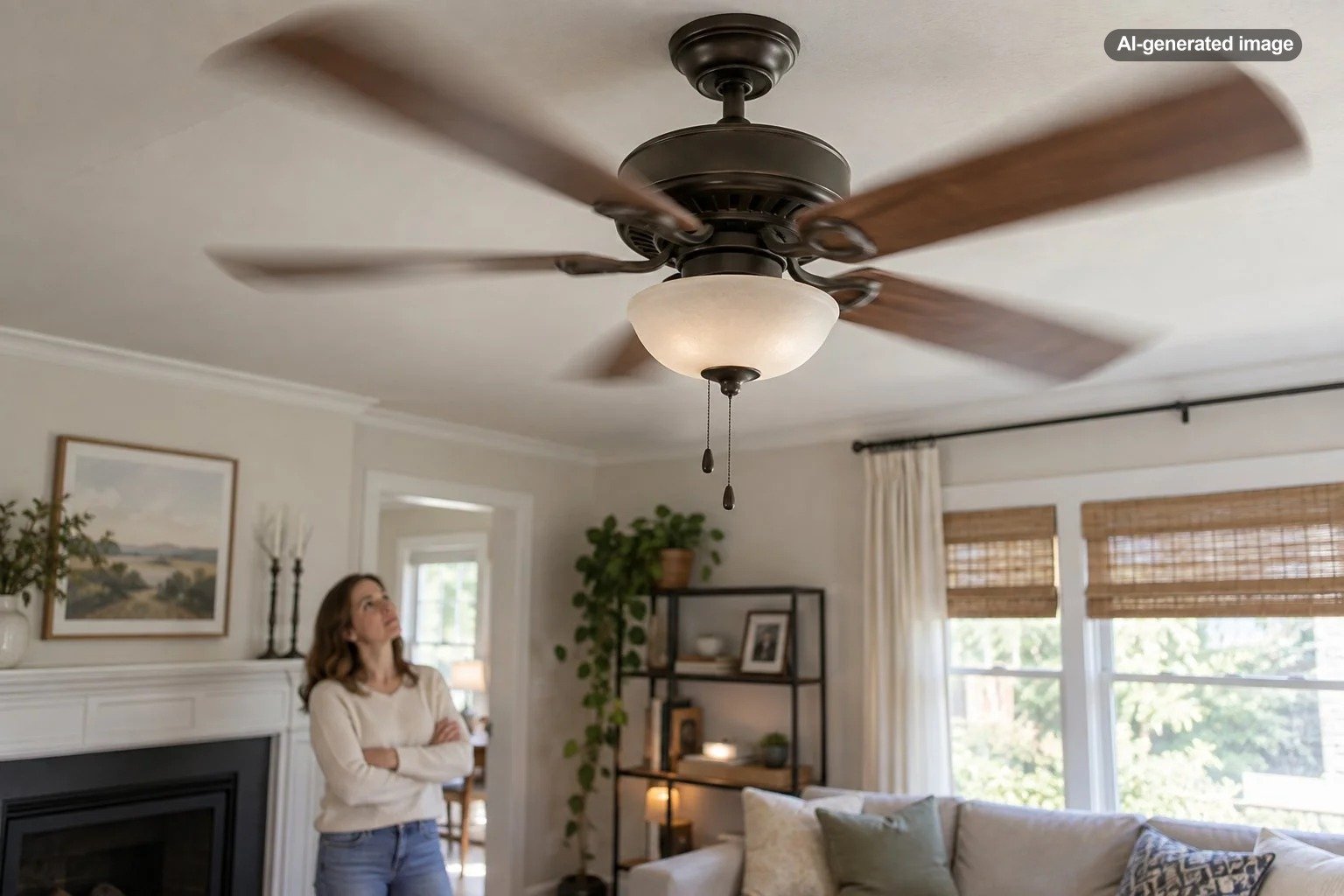
A ceiling fan usually rattles because something is loose, vibrating, or slightly out of alignment. Common culprits include blade screws, blade brackets, light-kit hardware, the decorative canopy at the ceiling, or components inside the fan housing. The good news is that many rattles have a simple mechanical cause. The important part is knowing when a noise is merely annoying and when it is a reason to stop using the fan.
Start with the easiest visible checks rather than immediately taking the fan apart. A rattle that appears only at one speed, starts after cleaning, or changes when the light is switched on can offer useful clues about where the vibration is coming from.
Start by identifying what kind of rattle you hear
Not every fan noise points to the same problem. A light metallic chatter often suggests loose hardware. A repetitive click may come from a blade or blade holder that shifts slightly as the fan rotates. A glassy vibration may originate in the light kit, while a noise near the ceiling can come from the canopy or mounting area.
It also helps to notice when the sound occurs. If the fan is quiet on low but rattles on high, the increased speed may simply be amplifying a loose component. If the noise appears only with the light on, inspect the light kit before focusing on the motor or blades. If the fan visibly moves from side to side, treat the wobble and the noise as related until proven otherwise.
Loose blade screws are one of the first things to check
Ceiling fan blades are repeatedly subjected to movement, so screws securing the blades or blade brackets can loosen over time. Hunter Fan identifies loose blade or blade-holder screws as a common cause of clicking, and general ceiling-fan troubleshooting guidance likewise recommends checking blade hardware when a fan becomes noisy.
With the fan switched off and the blades completely stopped, inspect each blade and its mounting hardware. If your fan’s manual allows the hardware to be tightened by the homeowner, make the screws snug rather than forcing them excessively tight. Overtightening can damage hardware or the material around the fastener.
Check the light kit, shades, and bulbs
If your ceiling fan has a light, the lighting assembly adds several pieces that can vibrate. A loose shade, globe, decorative fastener, or bulb can produce a surprisingly loud rattle once the fan is spinning.
With power off as directed by the fan manufacturer, check whether shades and globes are seated correctly and whether accessible fasteners are snug. Bulbs should also be secure without being overtightened. If glass is chipped, cracked, or no longer seats properly, stop using that damaged component and consult the manufacturer’s replacement guidance rather than improvising a fit.
Look for dust buildup and blade differences
Heavy or uneven dust buildup can contribute to imbalance and vibration. Cleaning all blades evenly is a sensible early troubleshooting step, especially if the fan has not been cleaned recently. Use the cleaning method recommended for the fan’s finish; some manufacturers caution that harsh cleaning products can damage fan finishes.
While cleaning, compare the blades. A blade that looks bent, damaged, or noticeably different from the others deserves attention. Avoid bending blades or brackets by hand unless the manufacturer’s instructions specifically direct you to do so. Replacement parts are a better solution for visibly damaged components.
What to do
- Turn the fan off and let the blades stop completely.
- Note whether the sound seemed to come from the blades, light kit, motor housing, or ceiling.
- Clean the blades evenly and inspect them for visible damage.
- Check accessible blade and light-kit hardware according to the owner’s manual.
- Inspect the canopy and visible mounting area without disturbing electrical connections.
- Turn the fan back on only after everything you touched is properly reassembled, then listen at low speed before trying higher speeds.
A loose canopy or mounting component can rattle near the ceiling
The canopy is the decorative cover where the fan meets the ceiling. If it is loose or positioned so that it vibrates against another surface, the sound may seem as though it is coming from the ceiling itself. Some fans also use a downrod, hanger ball, mounting bracket, and other hardware that must remain properly secured.
Because the mounting system supports a rotating fixture overhead, do not treat significant looseness as merely a noise problem. If the fan shifts at the ceiling, the mounting bracket appears loose, or you are uncertain whether the electrical box and support are appropriate for the fan, stop using it and arrange for qualified evaluation.
The rattle may be inside the housing
Manufacturer troubleshooting information also notes that wire connectors or other components inside a fan housing can sometimes rattle against one another or against the housing. That is different from a loose shade or blade screw because reaching those components can involve electrical wiring.
Do not open electrical compartments while the circuit is energized. Fan manuals commonly instruct users to switch power off at the breaker or fuse box before troubleshooting internal components. If the suspected source is inside the canopy, switch housing, receiver, wiring compartment, or motor assembly and you are not comfortable performing the work specified by the manufacturer, leave the fan off and call a qualified electrician or appropriate service professional.
Could the motor itself be making the noise?
Yes, but it makes sense to rule out accessible hardware and accessories first. A sound that persists after obvious loose parts have been addressed may originate in the motor, internal controls, receiver, or another component that is not intended for casual disassembly.
Some manufacturers also warn that incompatible speed controls can contribute to unwanted fan noise. If the sound began after replacing a wall control, remote receiver, or other control device, verify compatibility using the documentation for your exact fan model rather than assuming any fan control will work correctly.
The most useful clue is often not how loud the rattle is, but where it comes from and what changes it.
What not to do with a rattling ceiling fan
- Do not keep running a fan that is severely wobbling or visibly loose at the ceiling.
- Do not work on electrical connections while the circuit is energized.
- Do not overtighten screws in an attempt to eliminate every sound.
- Do not bend blades or blade brackets casually to try to balance the fan.
- Do not assume an unfamiliar electrical buzz is normal simply because the fan still operates.
- Do not substitute generic repair advice for the instructions supplied with your specific fan.
How to narrow down the cause efficiently
Use a process of elimination. If the rattle changes when the light is on, start with the light kit. If it increases dramatically with fan speed, look for hardware that can vibrate. If the sound is concentrated at the ceiling, focus attention on the canopy and mounting area. If it accompanies wobbling, inspect the blades and mounting system rather than treating the noise as an isolated annoyance.
After any simple adjustment permitted by the manufacturer’s instructions, test the fan briefly at a low speed. If the sound is gone, move through the remaining speeds. If it persists, avoid repeatedly dismantling unrelated parts. At that point, the owner’s manual or manufacturer support information for the exact model can be more useful than generic troubleshooting.
Frequently asked questions
Why does my ceiling fan rattle only on high speed?
Higher speed creates more movement and can make a slightly loose blade screw, shade, canopy, or other component vibrate more noticeably. Inspect accessible hardware with the fan off and follow the manufacturer’s instructions for tightening or adjustment.
Can dust make a ceiling fan noisy?
Uneven dust buildup can contribute to imbalance and vibration, so cleaning all blades evenly is a worthwhile early step. If the fan still rattles afterward, continue checking hardware and mounting components.
Is a rattling ceiling fan dangerous?
A minor rattle may come from something as simple as loose light-kit hardware, but noise accompanied by severe wobbling, loose mounting, electrical symptoms, burning odors, or damaged components should not be ignored. Turn the fan off and have the problem evaluated.
Should I lubricate a noisy ceiling fan?
Only if the manual for your exact fan calls for lubrication and explains how to do it. Many modern fans are not intended to be casually oiled, so adding lubricant without manufacturer guidance can create a new problem rather than solve the old one.