Why Does My Ceiling Fan Reverse Direction by Itself?
If your ceiling fan seems to reverse direction by itself, the fan is usually receiving a direction-change command somewhere in its control system rather than spontaneously changing how its motor works. The most likely explanation depends on whether your fan uses a physical reversing switch, a handheld remote, a wall control, or a smart-home connection.
A manual fan with a physical reverse switch generally should not change direction during ordinary operation without that switch being moved. A remote-controlled or smart fan has more possible causes because direction can be changed electronically. An accidental remote command, an incorrectly paired controller, a control-system glitch, or a failing receiver can all be worth investigating.
Start by identifying how your fan changes direction
Ceiling fans do not all reverse the same way. This distinction matters because it tells you where an unexpected command could be coming from.
- Manual-switch fan: A small reversing switch is usually located on the motor housing, switch housing, or beneath part of the light assembly.
- Remote-controlled fan: Direction may be changed by a button or button combination on the handheld remote.
- Wall-control fan: Some electronically controlled fans place the direction function on a dedicated wall controller.
- Smart fan: Direction may also be available through the manufacturer’s app or a connected smart-home platform.
Hunter, for example, documents both physical reversing switches and electronically controlled reversing functions depending on the fan model. That is why your owner’s manual is particularly useful here: a troubleshooting step that is correct for one fan may be irrelevant to another.
If your fan has a physical reverse switch
Look for the switch on the fan body only after turning the fan off and allowing the blades to stop. Manufacturer instructions commonly advise stopping the fan completely before changing a manual reversing switch.
Check whether the switch is firmly moved to one side. A switch that was disturbed while cleaning the fan, changing bulbs, removing a globe, or working around the motor housing may not be fully seated. Hunter’s troubleshooting guidance specifically recommends making sure the reversing switch is firmly positioned rather than sitting between positions.
What to do
- Turn the fan off and wait until the blades stop completely.
- Locate the reversing switch using the owner’s manual if its position is not obvious.
- Confirm that the switch is firmly in one position rather than between positions.
- Restart the fan and observe whether the direction remains consistent.
- If it changes again without anyone touching the switch, stop troubleshooting it as a simple switch-position problem.
A physical toggle that repeatedly seems to change the fan’s behavior without being moved can indicate a deeper issue with the switch, wiring harness, or control components. At that point, model-specific manufacturer guidance or professional evaluation is more appropriate than repeatedly manipulating the switch.
If your ceiling fan uses a remote
Remote-controlled fans introduce another layer between you and the motor: a transmitter sends a command to a receiver in or near the fan. On models that support electronic reversing, that receiver can tell the motor to change direction.
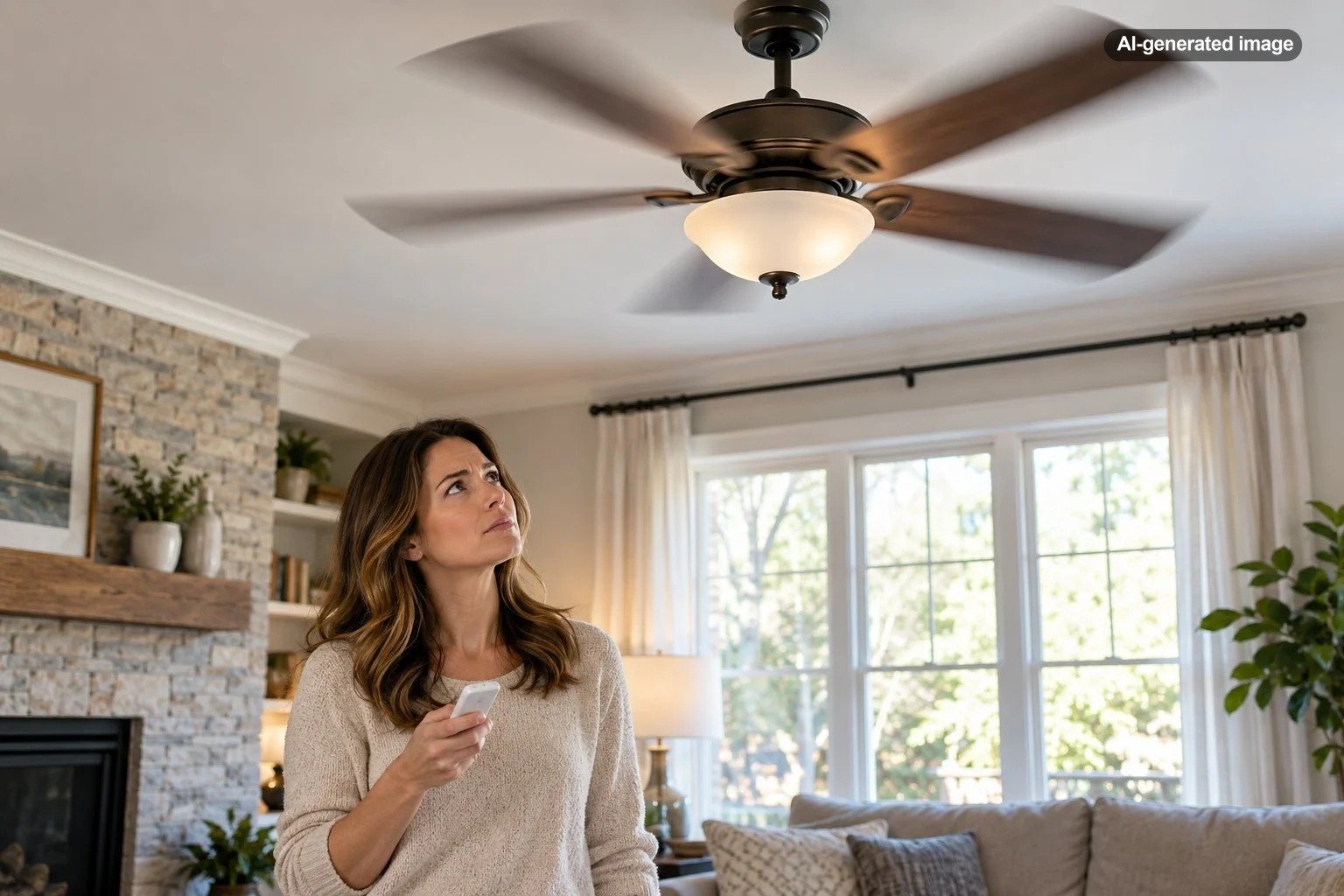
Start with the simple possibilities. Make sure the reverse control is not being pressed unintentionally, especially if the remote lives in a drawer, sofa cushion, bedside basket, or other place where buttons can be compressed. If another compatible remote is present in the house, determine whether it can operate the affected fan.
Some fan systems use pairing procedures or selectable control codes intended to keep one remote associated with one fan. If more than one fan responds to the same controller, consult the manufacturer’s pairing instructions rather than guessing at button combinations.
Check smart-home controls and household automations
If your fan is connected to an app, voice assistant, home-automation platform, or smart wall control, review those controls before assuming the motor is failing. Some smart fans allow direction to be changed electronically, which means another household member or connected interface may be able to alter the setting without touching the fan.
Look through the fan’s app for its current direction setting and any routines or automations associated with it. Also consider whether the behavior began after changing Wi-Fi equipment, adding a new controller, resetting the fan, or reconfiguring your smart-home system.
Could a power interruption make the fan reverse?
Do not assume that every ceiling fan will change direction after losing power. How a fan behaves after a power interruption depends on its control design and model-specific electronics.
If the reversal seems to happen only after a breaker trip, brief outage, wall-switch cycle, or other loss of power, document that pattern. Then check the owner’s manual for information about memory, pairing, startup behavior, and direction control. A repeatable connection between power restoration and unexpected operation is useful information for the manufacturer or an electrician.
When the receiver or control system becomes the main suspect
If a remote-controlled fan repeatedly reverses without a deliberate command, and you have ruled out accidental inputs and pairing problems, the electronic control system deserves attention. The receiver, wiring harness, controller, or another model-specific component may not be operating correctly.
Hunter’s troubleshooting information notes that direction problems on some reversible fans can involve the wiring harness and recommends manufacturer support when basic checks do not resolve the issue. The exact diagnosis varies by model, so replacing random electrical components is not a good first step.
What not to do
A ceiling fan that behaves strangely can invite a great deal of experimental button pressing. A more orderly approach is both safer and more informative.
- Do not move a manual reversing switch while the blades are still spinning unless the specific manufacturer instructions for your model explicitly say otherwise.
- Do not repeatedly cycle the breaker as a troubleshooting method.
- Do not assume another manufacturer’s remote instructions apply to your fan.
- Do not dismantle the receiver or energized wiring simply to see whether something looks loose.
- Do not replace the motor before ruling out controls, pairing, and the reversing mechanism.
A practical troubleshooting order
The fastest route to an answer is usually to work from external controls toward internal components.
Before you decide
- Identify the fan’s manufacturer and model if possible.
- Determine whether direction is controlled manually or electronically.
- Check a physical reverse switch only with the fan stopped.
- Rule out accidental remote commands.
- Check whether another remote or controller operates the fan.
- Review smart-home routines and app settings.
- Note whether the problem follows power interruptions.
- Consult the exact owner’s manual before changing pairing or control settings.
- Contact the manufacturer or a qualified electrician if the behavior persists.
The pattern matters as much as the symptom. A fan that reversed once immediately after someone handled the remote is different from a fan that changes direction repeatedly while untouched. Similarly, a manual-switch fan presents a different troubleshooting path from a modern electronically commutated fan controlled entirely by a remote.
Does the direction itself matter?
Yes, because reversing changes the airflow pattern. In typical configurations, counterclockwise rotation creates a more direct downward breeze, while clockwise rotation is commonly used for a gentler updraft that circulates air near the ceiling. The exact recommendation should still be checked against the fan manufacturer’s instructions.
The important distinction in this situation is that seasonal direction changes should be intentional. If you deliberately changed the fan for warmer or cooler weather and simply forgot, there may be no fault at all. If the direction truly changes repeatedly without an input, however, that deserves troubleshooting.
Frequently asked questions
Can a ceiling fan reverse because the wall switch was turned off?
That is not a universal behavior. Some electronically controlled fans have model-specific startup or memory behavior, while manual-reverse fans use a physical switch. If the reversal consistently follows a power cycle, consult the manual for your exact model.
Can another ceiling fan remote control my fan?
It can be possible with some remote-control systems if controls are paired or configured in a way that allows more than one fan to respond. If two fans react to the same remote, follow the manufacturer’s pairing or code-setting procedure.
Should I replace the reverse switch?
Not as a first step. Confirm that the switch is fully engaged, identify whether your fan actually uses that switch for reversing, and follow model-specific troubleshooting. Persistent problems can involve controls or wiring rather than the switch alone.
Is unexpected reversing dangerous?
Unexpected direction changes alone do not identify a specific electrical hazard, but repeated unexplained operation should not be ignored. If it occurs with overheating, sparking, damaged wiring, burning odors, or breaker problems, stop using the fan and have it evaluated.