Why Does My Ceiling Fan Stop After Running for a While?
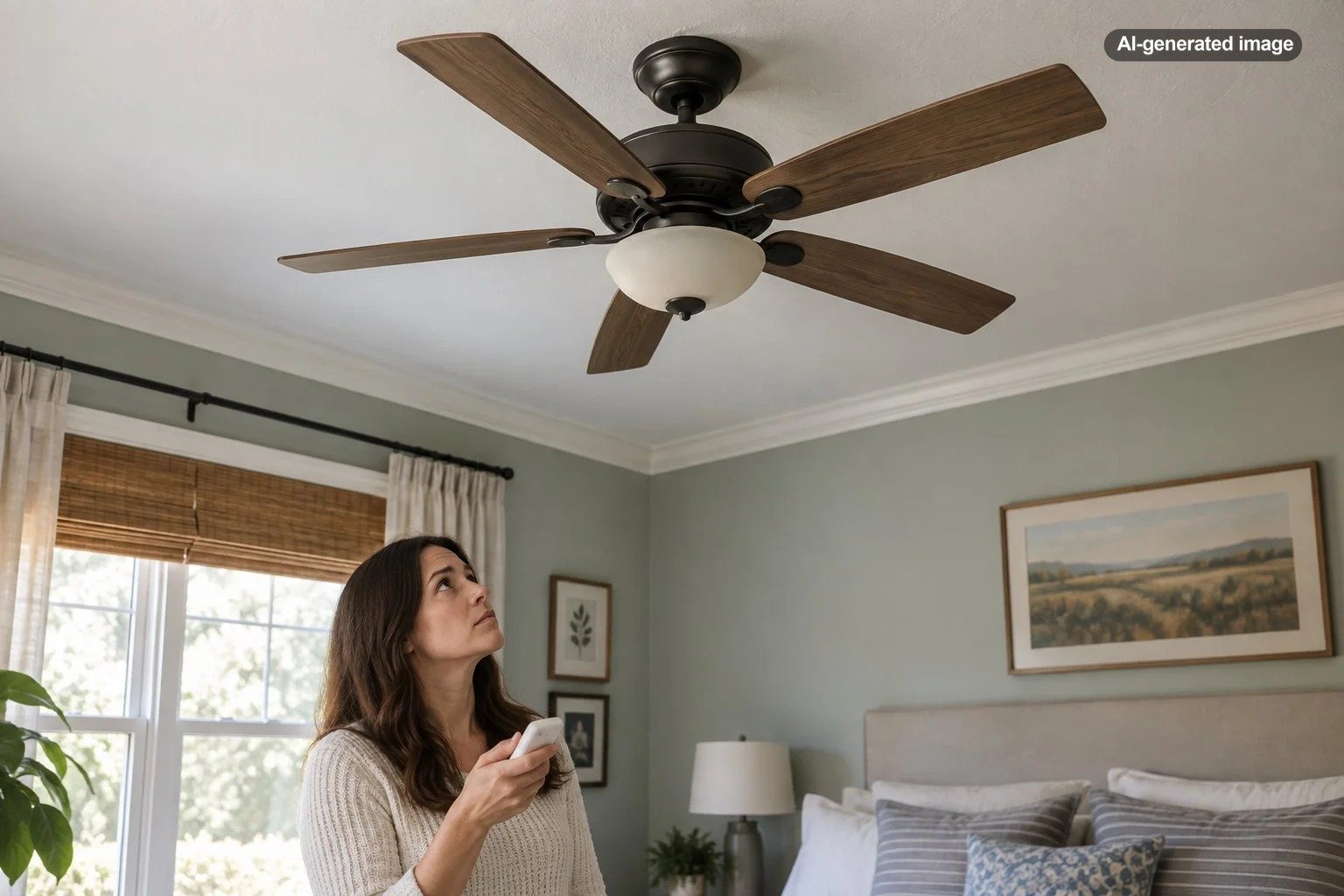
A ceiling fan that runs normally and then stops after several minutes or hours is usually telling you that something changes as the fan operates. The problem may involve the wall control, remote receiver, capacitor, a loose electrical connection, or an internal motor or control component. Because those possibilities range from simple to electrical, the most useful clue is not merely that the fan stops, but exactly what still works when it does.
If the light remains on while the blades stop, the fan is probably still receiving at least some electrical power. If both the fan and light go dead together, the problem may be farther upstream, such as a wall control, receiver, wiring connection, or circuit. Repeated stopping accompanied by a burning odor, smoke, visible scorching, sparking, or an unusually hot electrical component deserves immediate attention rather than repeated testing.
First, notice exactly what happens when the fan stops
The shutdown pattern can narrow the possibilities considerably. Rather than immediately removing covers or replacing parts, let the symptoms do some of the detective work.
| What happens | What it may point toward |
|---|---|
| Blades stop but the fan light stays on | Fan controls, capacitor, receiver, wiring harness, or motor-side components |
| Fan and light both stop | Power supply, wall control, receiver, wiring, breaker, or shared internal control |
| Fan stops but restarts after being left off | An intermittent electrical or component problem that changes during operation |
| Fan runs only at certain speeds | Speed control, capacitor, remote, receiver, or related control components |
| Fan hums but blades do not turn normally | Mechanical resistance or a motor, capacitor, control, or wiring issue |
Hunter’s troubleshooting guidance similarly recommends distinguishing among the breaker, wall switch, remote system, capacitor, wiring harness, receiver, and internal controls when diagnosing a fan that will not operate correctly. Its guidance also recommends using the model-specific manual because control systems vary by fan. Hunter Fan troubleshooting guidance provides examples of these different failure points.
A remote receiver or electronic control may be dropping out
Many modern ceiling fans have more electronics than their simple appearance suggests. A handheld remote may communicate with a receiver mounted near the ceiling, while some fans use integrated electronic controls instead of traditional pull-chain speed switching.
If the fan stops but the light still functions, try to determine whether the remote remains responsive. Replace weak remote batteries and follow the manufacturer’s instructions for pairing or resetting the remote if applicable. Do not assume, however, that a working remote proves the receiver is healthy. The transmitter, receiver, motor controls, and light controls can fail in different ways depending on the design.
A particularly useful clue is whether the shutdown occurs at roughly the same point each time. If the fan reliably operates from a cold start and then fails after extended operation, tell the manufacturer or electrician that exact pattern. Intermittent faults are much easier to investigate when the timing and operating conditions are known.
A failing capacitor can affect speed or starting behavior
Traditional AC ceiling fans commonly use capacitors as part of their starting or speed-control system. Hunter describes a run capacitor as a component involved in changing fan speed and a start capacitor as a component involved in starting the motor. Hunter’s ceiling fan parts reference explains those functions.
A deteriorating capacitor does not always produce the same symptom. Depending on the fan design and the component involved, you may notice missing speeds, weak starting, slow operation, humming, or blades that stop responding even though another portion of the fan still has power.
Loose or intermittent wiring deserves more caution
A loose electrical connection can behave inconsistently, particularly when vibration and repeated operation are involved. The trouble might be at the wall switch, ceiling connection, receiver, wiring harness, or another connection associated with the fan.
This is where casual trial-and-error should end. Hunter recommends switching off power at the breaker before inspecting fan wiring and advises contacting a licensed electrician when loose wiring, burn marks, loss of power at the switch, or discomfort with electrical work is involved.
If the fan has recently been installed, replaced, or rewired, incorrect or incomplete connections deserve particular attention. Installation guidance from Hunter lists incorrect wiring and loose wire connections among the potential reasons a newly installed fan may not turn on properly.
Heat is a clue, but a warm fan housing is not automatically a failure
Homeowners often touch the motor housing after a shutdown and conclude that the motor overheated. That conclusion is not always justified. AC fan motors create heat during normal operation, and some of that heat reaches the housing. Hunter specifically notes that its AC ceiling fan housings can feel warm or hot during normal operation because motor heat transfers into the housing.
That means surface warmth alone does not diagnose the problem. More important are changes from the fan’s normal behavior: repeated shutdowns, new electrical odors, abnormal noises, slowing, unreliable starting, or a failure that consistently appears after operation.
Do not attempt to cool a malfunctioning fan artificially so you can keep using it. If its behavior changes as it runs, document the pattern and investigate the underlying fault.
Check the wall control and breaker behavior
A fan that appears to fail after a period of operation may actually be losing power through a control or connection outside the fan itself. Note whether the wall switch feels or sounds different than usual, whether other devices on the circuit are affected, and whether the breaker has tripped.
Do not repeatedly reset a breaker that keeps tripping. A trip is a reason to investigate why the circuit is opening, not an inconvenience to defeat. If the breaker, switch, or wiring appears to be involved, an electrician can evaluate the circuit and fan as a system rather than assuming the motor is the culprit.
Also consider whether the fan is connected to a control that is actually intended for ceiling-fan motor loads. Manufacturer troubleshooting guidance warns that inappropriate controls can contribute to fan operating problems. Follow the control and fan manufacturers’ compatibility instructions rather than substituting an ordinary lighting control.
Mechanical resistance can masquerade as an electrical problem
With power fully disconnected, the blades of many conventional ceiling fans should rotate without obvious binding. A fan that has become difficult to turn, rubs against part of its housing, or has developed a mechanical obstruction may place abnormal demands on its drive components.
Do not dismantle a motor or energized assembly in an attempt to free it. Look only for obvious external interference, damaged blades, displaced trim, or another visible obstruction that can be identified without entering electrical compartments.
If the fan has recently begun wobbling heavily, clicking, scraping, or changing speed before it stops, include those symptoms when seeking service. They may be more diagnostically useful than the shutdown itself.
A practical troubleshooting order
What to do
- Stop and note the symptoms. Record how long the fan runs, which speed is selected, whether the light remains on, and whether there are noises or odors.
- Check the simple controls. Confirm the wall switch, pull chain if present, reverse switch position, and remote batteries or pairing according to the model manual.
- Notice whether power is disappearing. Check whether the breaker trips or other loads on the circuit are affected. Do not repeatedly reset a breaker that will not stay set.
- Turn power off before any physical inspection. If you are qualified and the manufacturer specifically permits the check, look only for obvious loose plugs or connections described in the manual.
- Stop if the issue involves fixed wiring or internal electrical components. Capacitors, receivers, motor wiring, wall controls, and supply wiring should be matched and serviced correctly.
- Use the exact fan model. Find the rating label or documentation so replacement parts and troubleshooting instructions correspond to the actual fan.
When repair makes sense and when replacement may be simpler
A failed remote transmitter, compatible receiver, capacitor, or wiring harness may be serviceable when the manufacturer still supports the model and the fault is clearly identified. A fan with extensive internal damage, unavailable proprietary electronics, a failed motor, damaged housing, or repeated electrical trouble may make replacement more practical.
Age alone is not enough to decide. A relatively new fan can have a failed control component, while an older fan may still need only a straightforward supported part. The more important questions are whether the fault can be identified safely, whether the correct parts are available, and whether the mounting and supply wiring are in good condition.
A fan that stops only after it has been running is giving you a timing clue; pay attention to what changes before assuming which part has failed.
When to call an electrician
Professional evaluation is the sensible next step when the fan repeatedly loses power, the breaker trips, wiring appears loose or damaged, the wall control behaves abnormally, there are scorch marks or electrical odors, or you cannot distinguish a fan-component problem from a household wiring problem.
An electrician can test supply voltage, switches, connections, and the fan circuit under appropriate conditions. For a fan that uses proprietary electronics, manufacturer support may also be useful for identifying the correct receiver, control module, capacitor assembly, or replacement recommendation.
The goal is not to replace parts until one happens to work. It is to determine whether the interruption originates with the power supply, control system, wiring, capacitor, receiver, mechanical load, or motor and then address the actual cause.
Frequently asked questions
Why does my ceiling fan work again after I leave it off for a while?
An intermittent electrical or electronic fault can change with operating time, temperature, vibration, or component condition. The restart behavior is useful diagnostic information, but it does not by itself prove that the motor is overheating. Note how long the fan must remain off before it works again and provide that information to the manufacturer or electrician.
Can a bad capacitor make a ceiling fan stop?
A capacitor problem can affect fan starting, speed selection, or normal motor operation depending on the fan’s design. Because capacitor specifications matter, use model-specific service information rather than installing a part merely because it looks similar.
Why does the light stay on when the fan blades stop?
The light and motor may share some components while still using separate control paths. If the light remains on, the fixture has not necessarily lost all incoming power. Fan controls, a receiver, capacitor, wiring harness, or motor-related components may still be involved.
Is a hot ceiling fan motor automatically dangerous?
Not necessarily. AC ceiling fan motors generate heat during normal operation, and the housing can become warm. Unexpected shutdowns, burning odors, smoke, damaged wiring, discoloration, abnormal noises, or other new symptoms are much more meaningful warning signs than warmth alone.
Should I keep running the fan to reproduce the problem?
Not if there are warning signs such as a burning smell, sparking, smoke, breaker trips, damaged wiring, or obvious electrical distress. For a symptom without those signs, recording the operating pattern may help with diagnosis, but follow the manufacturer’s instructions and discontinue use if the condition worsens.