Can a Smart Thermostat Work Without a C-Wire?
Yes, a smart thermostat can sometimes work without a C-wire, but the important word is sometimes. Whether it will work reliably depends on the thermostat model, the type of heating and cooling equipment in your home, and how the thermostat receives continuous power.
Some smart thermostats are specifically designed to operate on compatible HVAC systems without a dedicated common wire. Others require a C-wire or an approved adapter. Even a thermostat advertised as capable of working without one may need additional power hardware in certain installations.
What does a C-wire actually do?
The C in C-wire stands for common. In a typical low-voltage HVAC control circuit, the common wire helps provide the continuous electrical path that a powered thermostat needs for features such as Wi-Fi connectivity, a display, sensors, and internal electronics.
The C-wire is not normally the wire that tells your furnace to heat or your air conditioner to cool. Its role is primarily about supplying dependable power. That distinction matters because an older mechanical or battery-powered thermostat may operate perfectly well with only a few control wires, while a new connected thermostat may need a more consistent source of electricity.
Resideo, which makes Honeywell Home thermostats, states that its Wi-Fi thermostats require a C-wire, although a compatible C-wire adapter may be used in applicable installations. Google takes a somewhat different approach with Nest: many compatible systems can operate Nest thermostats without a C-wire, but some installations still require either a C-wire or a Nest Power Connector.
Why some smart thermostats work without a C-wire
Thermostat manufacturers have developed different ways of dealing with homes that lack a dedicated common wire. Some thermostats are engineered to consume very little power or to obtain the power they need through compatible existing HVAC wiring. Others depend on an adapter installed at the equipment to create the necessary power path.
Google explains that many Nest installations do not need a C-wire. However, its compatibility documentation also identifies systems in which a common wire or Nest Power Connector may be required, including certain heating-only, cooling-only, zone-controlled, and heat-pump configurations. The exact requirement therefore depends on both the thermostat and the system attached to it.
This is why a blanket statement such as ‘smart thermostats do not need C-wires’ is misleading. Some do. Some do not. Some appear to work initially but may later exhibit power-related symptoms if the HVAC system cannot consistently supply what the thermostat needs.
Four practical options when there is no C-wire
1. Choose a thermostat that supports your existing wiring
Start with compatibility, not with the appearance of the thermostat or its app. Manufacturer compatibility checkers generally ask about the terminals connected to your existing thermostat and the type of HVAC equipment in the home.
Google, for example, provides a compatibility process for Nest thermostats and notes that requirements differ among system types. If your existing wiring is supported without a C-wire, this may be the least disruptive route.
Affiliate disclosure: CraneManor.com may earn a commission when you purchase through links on this page. This does not affect the price you pay. Learn more.
If you are considering a compatible smart thermostat such as the Google Nest Thermostat, check the manufacturer’s compatibility guidance for your exact HVAC configuration before purchasing or beginning installation. A Nest installation may still require a C-wire or Nest Power Connector in some systems.
2. Look for an unused conductor
Sometimes the easiest C-wire solution is already inside the wall. Thermostat cable can contain more conductors than an older thermostat needed, leaving one unused. If an appropriate spare wire runs all the way to the HVAC control equipment, it may potentially be connected as a common wire.
Do not assume that a loose wire at the thermostat is already connected correctly at the other end. Both ends of the circuit matter, and HVAC equipment should be de-energized before wiring is inspected or changed. If you are unsure how the system is wired, a qualified technician can identify the conductors without guesswork.
3. Use the manufacturer’s approved power solution
A power adapter or connector can often solve a no-C-wire installation without opening walls and pulling new thermostat cable. The important detail is compatibility. Use the solution approved for the particular thermostat and HVAC configuration rather than assuming that any generic adapter will work.
For Nest thermostats, Google offers the Nest Power Connector for supported installations. Google specifically notes that the Power Connector or a C-wire can provide a stable power source when an HVAC system cannot supply enough consistent power through the existing wiring.
4. Have a new C-wire installed
Running a new common wire is the most conventional answer when the existing cable cannot support the thermostat and an adapter is not appropriate. It can also make future thermostat replacement more straightforward because continuous 24-volt thermostat power is available at the wall.
The difficulty depends heavily on the house. A short, accessible cable route may be uncomplicated for a professional. A thermostat located on another floor, behind finished walls, or far from the air handler or furnace may require considerably more routing work.
| Option | Best fit | Main tradeoff |
|---|---|---|
| No-C-wire-compatible thermostat | Existing wiring and HVAC system are explicitly supported | Compatibility varies by model and system |
| Unused existing conductor | Spare wire runs from thermostat to HVAC equipment | Requires correct connection at both ends |
| Manufacturer-approved adapter | Supported system lacking a usable common conductor | Adds hardware at the HVAC equipment |
| New C-wire | Homeowners wanting a conventional dedicated power connection | May require professional cable routing |
How to tell whether you already have a C-wire
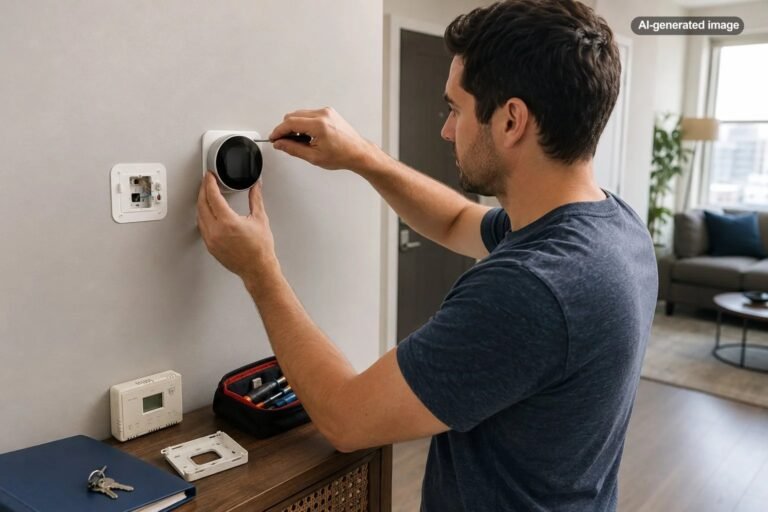
Turn off power to the heating and cooling equipment before removing the thermostat from its wall plate. Turning the thermostat itself to Off is not the same as disconnecting electrical power to the HVAC equipment.
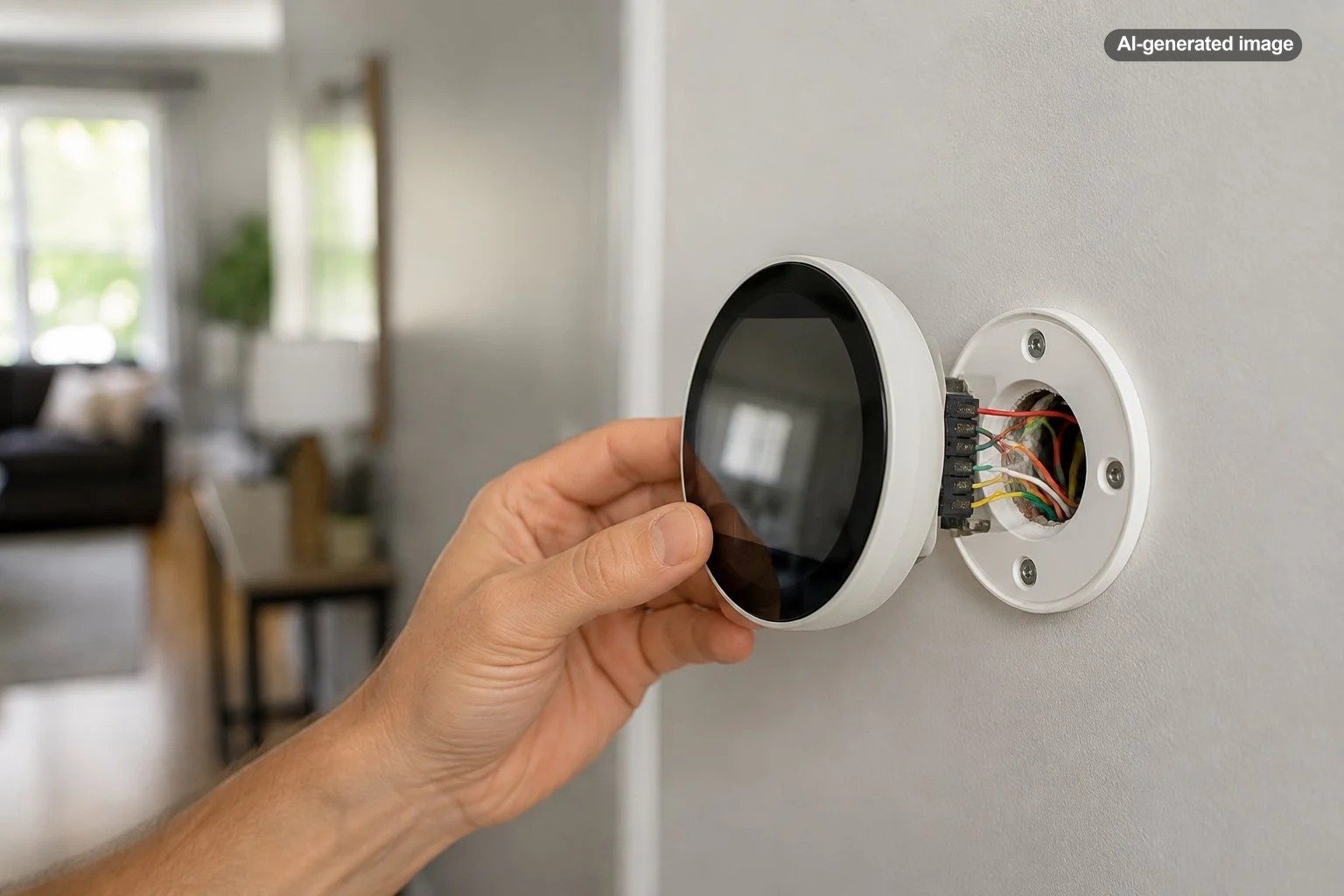
With the equipment safely powered down, look at the thermostat terminals. A conductor connected to a terminal labeled C generally indicates that the thermostat is using a common wire. Take a clear photograph before disconnecting anything.
If no wire is connected to C, look carefully for unused conductors tucked behind the wall plate. Their presence does not prove they are ready for use. The other end must also be identified at the furnace, air handler, control board, or other applicable equipment.
What to do
- Turn off power to the HVAC equipment at the appropriate breaker or service switch.
- Remove the thermostat face or wall plate according to its instructions without disconnecting wires unnecessarily.
- Photograph the existing terminal labels and wire positions.
- Look for a wire connected to C and for unused conductors tucked into the wall.
- Enter the existing wiring into the new thermostat manufacturer’s compatibility checker.
- If the wiring or equipment configuration is unclear, stop and have a qualified HVAC professional evaluate it.
Do not judge wires by color alone
Thermostat wiring often follows familiar color conventions, but color is not a reliable substitute for identifying the terminal connections. A blue or black conductor is frequently used as a common wire, for example, but installers are not required to have used that color for that purpose in every home.
What matters is where the conductor is actually connected at both ends. Treat the terminal labels and verified circuit configuration as meaningful information; treat insulation color as a clue at most.
What if the thermostat works at first without a C-wire?
Successful startup does not always prove that the power arrangement is ideal. Google lists symptoms such as a draining thermostat battery, repeated Wi-Fi disconnections, power-related error messages, and disabled features as possible indications that a Nest thermostat needs a more stable power source.
If a newly installed thermostat behaves unpredictably, repeatedly goes offline, reports power problems, or cannot maintain its internal battery, revisit the manufacturer’s power requirements rather than treating the symptoms only as a Wi-Fi problem.
Is adding a C-wire better than using an adapter?
Neither choice is universally better. A dedicated common conductor is a simple, conventional way to provide thermostat power and can be attractive when new cable is easy to run. An approved adapter can be much less disruptive when the existing thermostat cable is difficult to replace.
The better choice depends on access, system design, thermostat requirements, and how much modification you want to make. The goal is not merely to make the display turn on. It is to create a power arrangement that the thermostat manufacturer supports for the specific HVAC system.
Before you decide
- Identify the exact thermostat model you want to install.
- Photograph and record your existing thermostat terminals.
- Confirm the type of heating and cooling system in the home.
- Use the manufacturer’s compatibility checker or installation documentation.
- Check whether an unused conductor already exists.
- Use only an adapter or power connector approved for the thermostat and system.
- Bring in a qualified HVAC professional when the wiring or equipment configuration is uncertain.
Frequently asked questions
Can I install a smart thermostat if I only have four wires?
Possibly. Wire count alone does not determine compatibility. The terminals those four wires serve, the HVAC system type, and the thermostat model all matter. Check the manufacturer’s compatibility requirements using your actual terminal configuration.
Can batteries replace a C-wire?
That depends on the thermostat. Some thermostats are designed around replaceable batteries, while many Wi-Fi thermostats need a continuous HVAC power connection. Do not assume that a battery compartment means a particular smart thermostat can ignore its stated wiring requirements.
Can I use the fan wire as the C-wire?
Some manufacturer-specific adapter arrangements repurpose or reorganize existing conductors, but this is not a universal wiring shortcut. Follow the instructions supplied for the exact thermostat and adapter rather than independently moving the G or fan wire to C.
Why would a Nest thermostat suddenly need a C-wire?
The HVAC system may not be providing enough consistent power through the existing conductors. Google notes that power symptoms can include battery drain, Wi-Fi disconnections, error codes, or unavailable features. A C-wire or Nest Power Connector can provide a more stable power source in supported installations.
Should I hire an HVAC professional?
Professional help is sensible when the wiring is unclear, the system uses zoning or multiple transformers, no C terminal is available where expected, new cable must be routed, or the equipment configuration falls outside straightforward manufacturer instructions. Thermostat installation involves the control wiring for expensive HVAC equipment, so guessing is rarely a useful shortcut.
The bottom line
A missing C-wire is an installation question, not necessarily a deal breaker. Many homeowners can still use a smart thermostat by choosing a compatible model, using an existing spare conductor, adding the manufacturer’s approved power accessory, or having a dedicated common wire installed.
The safest way to decide is to work backward from the exact thermostat and HVAC system rather than from a generic wiring diagram. Verify the manufacturer’s compatibility guidance first, then choose the least complicated supported way to provide dependable power.